Running a store is never simple. A single busy Saturday rush and suddenly you’re juggling receipts, stock checks, and customers asking, “Do you take tap?”
That’s where a solid Point-of-Sale system proves its worth.
A good POS doesn’t just process payments; it keeps your business organized, speeds up service, and makes sure every sale, refund, and reorder happens without mayhem. By understanding the POS system, finding the right setup for your business becomes much easier and far more efficient, especially when evaluating the top 5 POS systems for retail businesses.
Let’s break down the 6 essential features every retailer actually needs, no jargon, no filler, just what works.
6 POS Features You’ll Actually Use
Here are a few key features to look for in a POS system for retail businesses:
1. An Interface Everyone Understands
In retail, time lost to confusion equals customers lost to frustration; simplicity is the ultimate sales advantage.
First impressions matter
If your team has to stop mid-transaction and squint at the screen, that’s not technology helping, that’s frustration building.
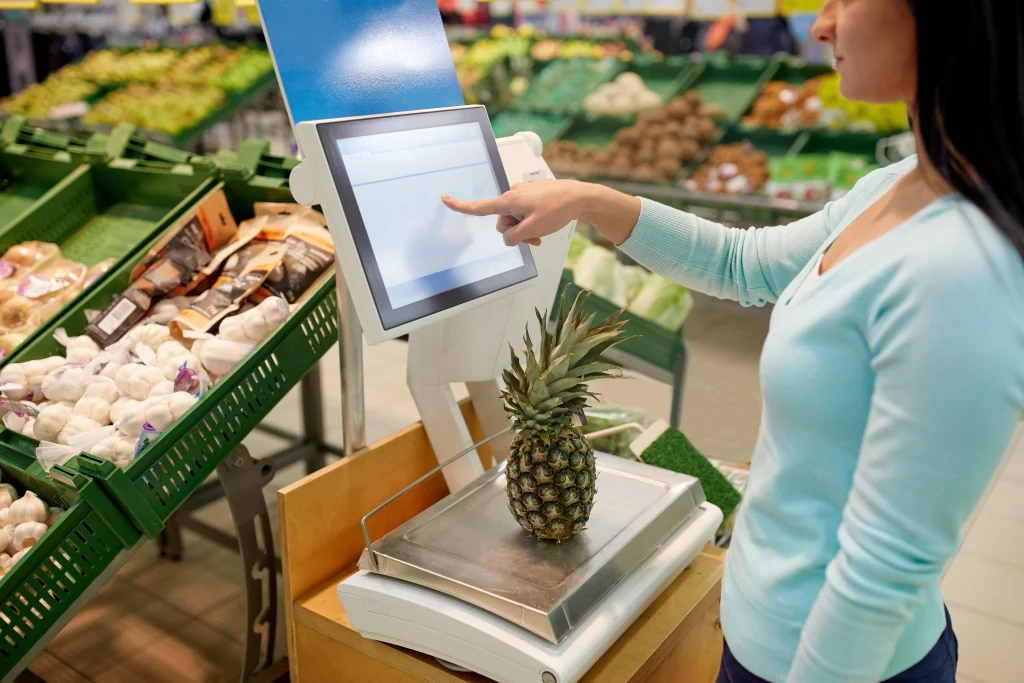
A POS should feel natural. Staff should learn it in hours, not weeks. Think of it like your smartphone: buttons where you expect them, menus that make sense.
Look for these:
- Large, touch-friendly buttons for quick tap checkout
- Clean layout with minimal clutter
- Easy refund and exchange options
- Simple navigation between sales, inventory, and reports
Why it counts
Fast systems mean fewer lineups and happier customers. A few seconds saved per sale might not sound like much until it’s rush hour and your line stretches to the door.
If you’re searching for the best POS system for retail, start here. The easier it is to use, the faster your team performs.
2. Real-time Inventory that Thinks for You
Inventory mayhem drains energy and profits; a smart POS keeps shelves stocked and surprises to a minimum.
The silent power behind every sale
Inventory control is where retailers win or lose money. If your POS can’t keep track of what’s leaving the shelf, you’re flying blind.
A smart system should:
- Update stock counts automatically after each sale.
- Send low-stock alerts before you sell out.
- Track product variants (color, size, model).
- Manage suppliers and reorders in the same place.
Everyday benefits
You’ll restock what sells, drop what doesn’t, and stop drowning in spreadsheets. The fewer surprises in your backroom, the more confident your front counter feels.
3. Secure, Flexible Payment Processing
Customers want freedom at checkout, and a reliable POS gives them that freedom safely, smoothly, and instantly.
Customers want options
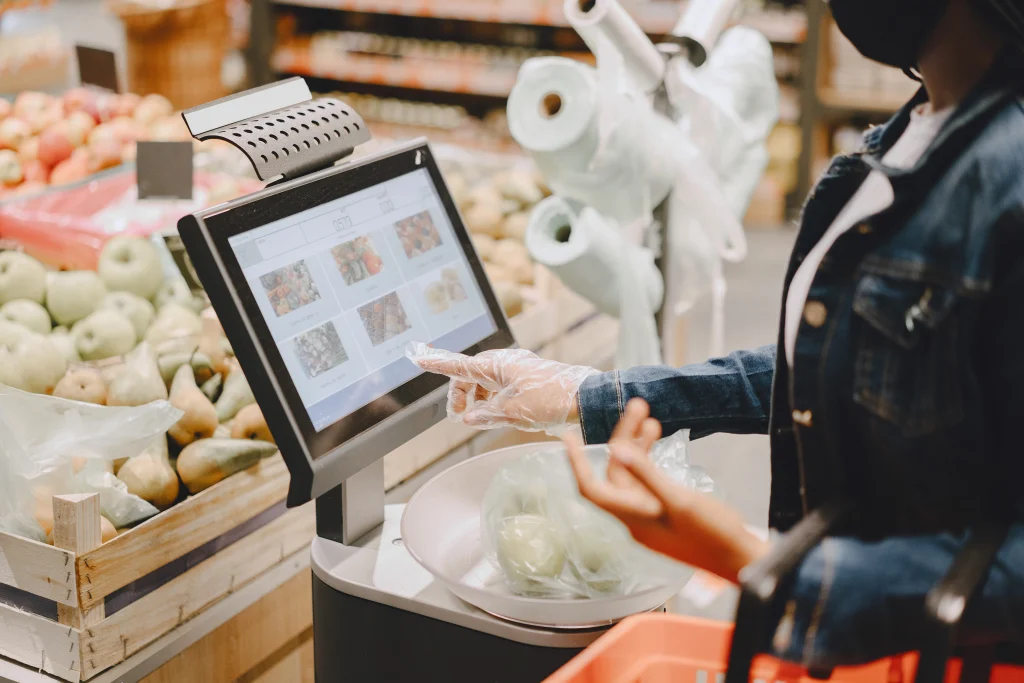
Tap, chip, wallet, QR, even cash, the modern shopper wants choice and speed. If your POS freezes when someone uses a digital wallet, that’s a sale lost.
Core features to expect
- Contactless and EMV-chip acceptance
- Mobile wallets (Apple Pay, Google Pay, etc.)
- Split-payment and tip options
- End-to-end encryption for every transaction
Don’t compromise on security
One security breach can ruin years of good reputation. Look for PCI-compliant systems that protect customer data the same way banks do.
4. Built-in Customer Relationship Tools
Every transaction tells a story, and the right POS helps you remember and reward each loyal customer.
Turning sales into loyalty
Every transaction is a small story about a customer. The best POS systems remember those stories, what they bought, how often they visit, and what deals catch their eye.
What to expect from CRM integration:
- Customer profiles with purchase history
- Automatic loyalty programs or points tracking
- Personalized discount and birthday offers
- Email or SMS marketing connection
How it helps
When your system remembers a customer’s favorite product and greets them with a reward, you’re no longer selling, you’re connecting. That’s what turns a one-time visitor into a regular.
5. Cloud-based Reporting and Data Insights
Information is only useful when it’s available instantly; cloud access turns data into daily, actionable wisdom.
Know what’s happening, anytime
A cloud-based POS keeps you updated whether you’re in the store, at home, or on vacation, pretending not to check your phone.
Reports that actually matter:
- Hour-by-hour sales and revenue
- Top-selling items and slow movers
- Staff performance by transaction volume
- Weekly or monthly summaries that you can export instantly
The real advantage
You don’t have to guess what’s working; the numbers tell you. When data is clear and current, decisions stop being risky guesses and start being smart moves.
6. Multi-store and Omnichannel Power
When your business expands, your POS must grow alongside it. Consistency keeps every location running like one brand.
For when growth happens fast
Maybe you already run two locations. Maybe your online shop just exploded overnight. A strong POS links every channel so your brand feels like one smooth experience everywhere.
Integration must-haves
- Shared customer database across all stores
- Unified inventory between in-store and online sales
- Central reporting dashboard
- Consistent promotions across all locations
Why omnichannel wins
A shopper might see a product online, reserve it on their phone, and pick it up at your store later. A connected POS makes that entire journey seamless — and keeps your team sane.

Choosing the Right POS System
Selecting a system is like hiring a manager; it must understand your workflow, pace, and long-term goals.
Start with Pain Points
Before shopping for software, list what slows your day down. Long lines? Stock errors? Payment delays? Your ideal system should fix those first, not add more buttons to press.
Questions to ask vendors:
- How scalable is it if I open new stores?
- Does it integrate with my accounting or eCommerce tools?
- What happens if the internet goes down?
- Do I get real human support, or just chatbots?
A Quick Rule Of Thumb
If a demo feels complicated now, it’ll feel worse later. Go for the tool your staff can master in an afternoon.
Knowing your operational gaps helps you prioritize the retail POS system features that actually support your business goals, not just impress on paper.
Mistakes Retailers Commonly Make
Even seasoned retailers slip up when rushing choices; slowing down here saves headaches and money later.
1. Choosing Looks Over Function
A sleek interface is great, but not if it takes forever to process a refund.
2. Ignoring Training
Even intuitive systems need an hour or two of proper onboarding. Skipping that step costs more time later.
3. Forgetting Hidden Costs
Add-on modules, card-processing fees, and update charges can surprise you. Always read the fine print.
What’s Next for POS Technology
Retail never stops evolving. The next wave of POS tools aims to make your job even simpler.
Smarter, Quicker, Greener
POS tech is evolving. Expect systems that predict stock needs, analyze customer moods, and even email receipts automatically to save paper.
Up-and-coming trends:
- AI-based upselling suggestions
- Voice-command functions for hands-free checkouts
- Cloud backups that sync instantly
- Digital receipts and eco options
Why it matters
Retail never stands still. If your system can adapt, you’ll never have to start over every few years.
This adaptability is what defines the best POS system for retail, giving you longevity, flexibility, and scalability in one platform.
Final Thoughts
Retail moves fast, and your technology should always move just a little bit faster.
Your POS isn’t just a tool; it’s the rhythm behind your store. It keeps sales flowing, teams coordinated, and customers satisfied; all without drawing attention to itself.
When you choose one that covers the 6 essentials, ease of use, smart inventory, secure payments, CRM, analytics, and omnichannel control, you’re not just buying software. You’re investing in fewer headaches, faster service, and steadier growth. Because in retail, the best technology is the kind that quietly does its job while you get back to doing yours.
Upgrade your store with smarter checkouts and seamless sales. Message us at POS Circle today and discover retail made effortless.
FAQs
1. What is a POS system, and why is it important for retail stores?
A POS system handles sales, payments, inventory, and reporting. It simplifies daily operations, reduces errors, improves customer experience, and helps retailers make faster, data-driven business decisions.
2. How does a POS system help manage inventory better?
A retail POS tracks product movement in real time, updates stock automatically after every sale, and sends low-stock alerts, ensuring accurate inventory levels and preventing costly overstocking or shortages.
3. Can a POS system improve customer relationships?
Yes! POS systems with CRM tools store customer profiles, purchase history, and preferences, allowing businesses to offer loyalty rewards, personalized discounts, and targeted marketing campaigns that strengthen retention.
4. What should retailers look for when choosing a POS system?
Retailers should look for ease of use, real-time inventory tracking, secure payments, CRM integration, cloud reporting, and multi-store support that adapts as the business grows.
5. How is a cloud-based POS better than traditional systems?
A cloud-based POS offers remote access, real-time updates, and automatic backups. Retailers can view sales data anytime, from any device, ensuring flexibility and smoother multi-location management.