Running a shop or restaurant usually means having a point of sale system. Most businesses depend on one to process payments, print receipts, and track orders.
While exploring POS options, people often come across two types. Cloud POS system and on-premise POS. They can look quite similar in the beginning. Both manage transactions, but the way they store and handle data is slightly different.
Some businesses prefer cloud systems because they seem more flexible. Others still like traditional systems that stay inside the store. If you want to learn strategies to increase sales of POS systems for your business, exploring both options and understanding customer needs can make a big difference.
There isn’t really a perfect answer. It mostly depends on the business and how things run day to day.
What a POS System Actually Does
A lot of people think a POS system is just the device where someone taps their card or pays cash. But usually it does more things than that.
Most POS systems help businesses keep track of sales and basic operations.
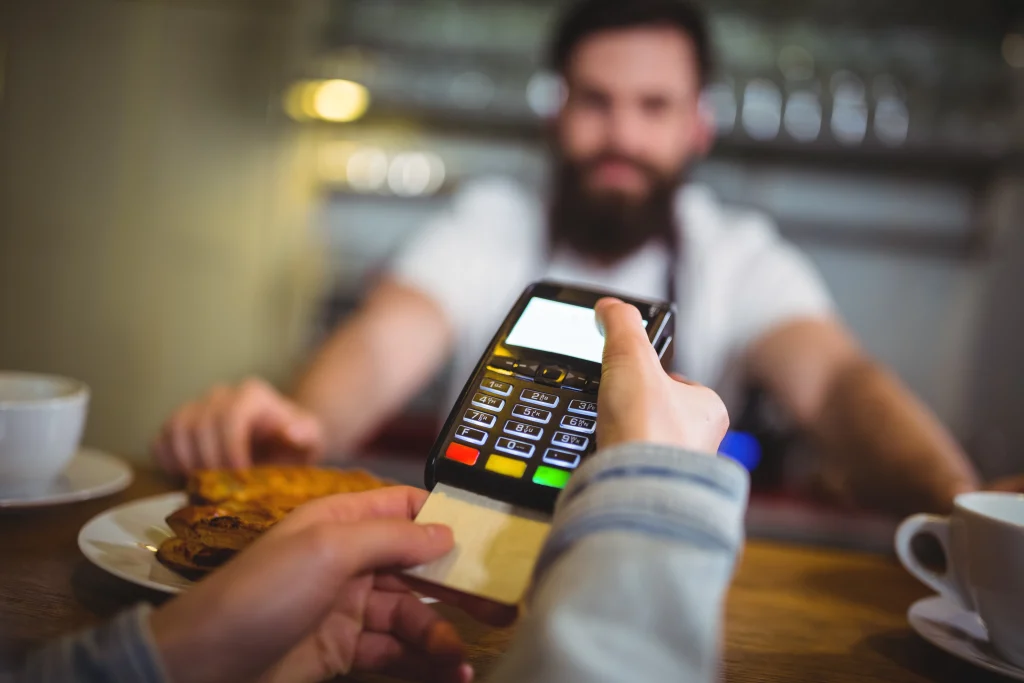
Common Things a POS System Helps with
Some typical tasks include:
- processing card payments
- recording sales
- printing receipts
- tracking inventory
- checking daily revenue
Restaurants also use POS systems for something slightly different.
Restaurant Order Handling
In restaurants, servers often enter orders into the POS. The order then appears in the kitchen so staff can start preparing food.
Not every restaurant works exactly this way, but many do.
Some systems also offer loyalty programs or simple customer records, although smaller businesses may not use those features.
The Basic Parts of a POS System
A POS system usually has two main pieces.
Hardware
This is the physical equipment used in the store.
It might include things like:
- a tablet or touchscreen
- a card reader
- receipt printers
- barcode scanners
- cash drawers
Different businesses use different setups depending on their needs.
Software
The software is the system that records what happens during each sale.
It stores information like:
- products sold
- payment types
- daily sales totals
Where this data is stored is where cloud and on-premise systems become different.
What is a Cloud POS System?
A cloud POS system stores information online rather than inside the store’s computer.
When a sale happens, the data is sent over the internet to remote servers. Later the business owner can log into a dashboard and see reports.
For example, someone might check their store’s sales from a phone while at home.
This kind of flexibility is one reason cloud POS systems became popular.
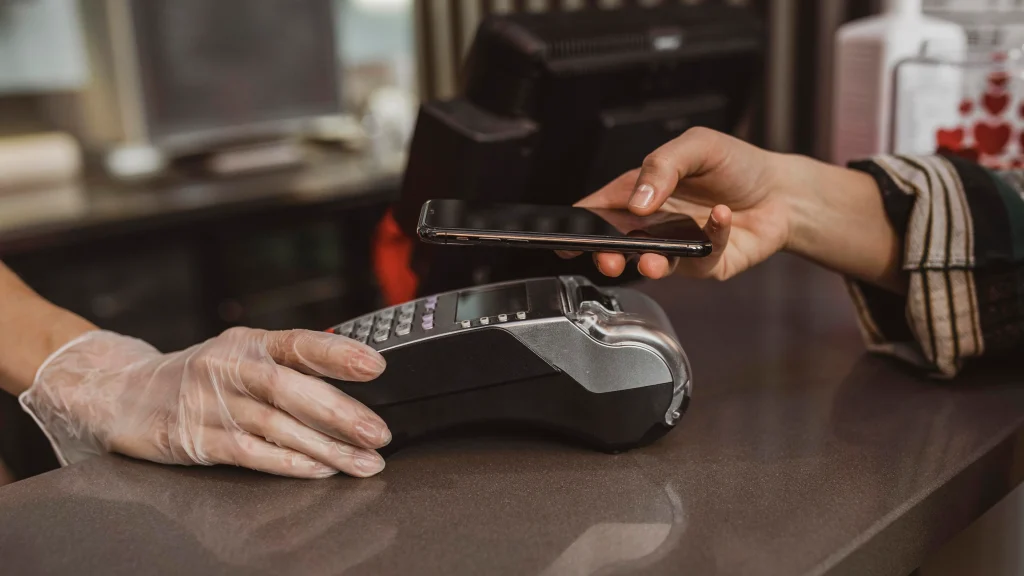
Devices Often Used with Cloud POS
Many cloud systems run on fairly simple hardware.
Examples might include:
- tablets
- mobile phones
- small POS terminals
Usually, the system works through an app connected to an online account.
Why Some Businesses Like Cloud POS
Cloud systems have a few benefits that make them appealing.
Easier to Start
Sometimes, cloud POS systems are easier to set up.
A business might only need to install an app and connect a payment reader.
Access from Different Places
Owners can sometimes check sales reports from different devices.
This can be useful for people who travel or manage more than one store.
Updates Happen Automatically
Cloud systems often update themselves. The provider usually handles the software updates behind the scenes.
Multi-store Connections
If a business has several locations, cloud POS systems can sometimes connect them together under one account.
Downsides of Cloud POS Systems
Even though cloud POS sounds convenient, it isn’t perfect.
Internet Problems
Because cloud systems rely on the Internet, they may not work properly if the connection drops.
Some systems offer offline modes, but they may not work the same.
Monthly Fees
Many cloud POS systems charge subscription fees.
At first, the cost may seem small, but over time those payments can add up.
Data Stored Somewhere Else
Some business owners feel uncomfortable storing business data on remote servers rather than inside their own store.
Even though cloud companies usually provide security, the concern still exists.
What is an On-premise POS System?
An on-premise POS system works more traditionally.
Instead of storing data online, the information stays inside the business location.
The system usually runs on local computers or servers.
Before cloud technology became common, most POS systems worked this way.
Many older businesses still use them.
How These Systems Run
With on-premise systems, the software is installed directly on the store’s machines.
The data stays within the local network.
Why Some Businesses Still Use On-premise POS
Traditional POS systems still have a few advantages.
Works without Internet
Because the system runs locally, it may continue working even if the Internet goes down.
This can matter for businesses in places with unstable connections.
Data Stays Local
Some companies prefer keeping their sales data inside their own systems.
One-time Purchase
Sometimes, on-premise systems involve paying for the software once instead of paying monthly. This depends on the provider.
Drawbacks of On-premise Systems
On-premise POS systems also have some limitations.
Higher Starting Cost
Setting up these systems may require:
- servers
- specialized terminals
- installation services
For smaller businesses, this initial cost can be difficult.
Maintenance Issues
Because the system runs locally, businesses may need to manage updates and backups themselves.
Technical support might also be needed if something stops working.
Harder to Access Remotely
Checking reports from home or another location is not always simple with traditional systems.
Key Differences Between Cloud and On-premise POS
The biggest difference is where the data is stored.
Data Storage
Cloud systems store information online.
On-premise systems store information locally.
Accessibility
Cloud systems usually allow access from different devices. Local systems may only be available on store computers.
Cost Structure
Cloud POS systems often involve subscriptions. On-premise systems usually involve higher upfront costs. Neither system is automatically better. It depends on what a business needs.
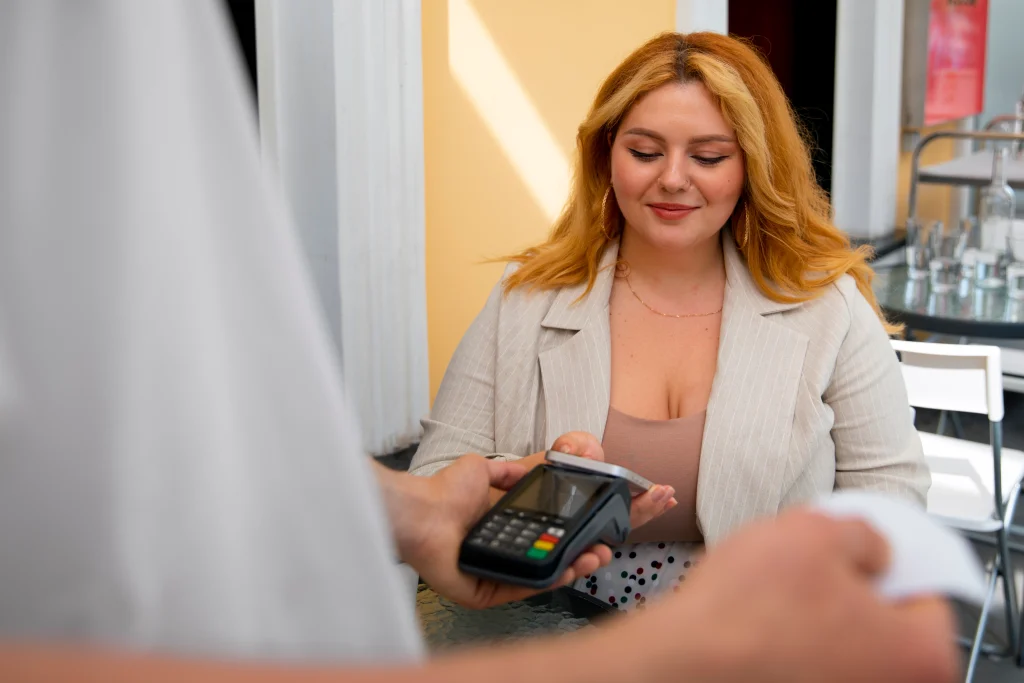
Businesses that Often Use Cloud POS
Cloud POS systems are common among newer businesses.
Examples
These include:
- small cafés
- food trucks
- small retail shops
- businesses with multiple locations
These businesses often like the flexibility that cloud systems provide.
Businesses that Prefer On-premise Systems
Traditional POS systems are still used in some industries.
Common Situations
For example:
- Large restaurants
- Businesses with unreliable internet
- Companies with strict internal data rules
These businesses sometimes prefer systems that stay inside their network.
Security Considerations
Security is something many businesses think about when choosing POS systems.
Cloud Security
It’s one of the important benefits of Cloud POS, because providers often use encryption and backups to protect data.
Local Security
On-premise systems store data locally, but businesses must manage security and backups themselves. Because of this, security sometimes depends more on management than on the system type.
What Customers Say on Trustpilot
Before choosing a POS provider, many business owners check customer reviews to understand how the system works in daily operations. One common place people look is Trustpilot, where businesses share their experiences with different POS providers.
Why Reviews Matter
Reading reviews can give insight into things like:
- How reliable is the system?
- How helpful can customer support be?
- How do businesses handle updates or technical issues?
Sometimes a product may look great on paper, but real users highlight problems or limitations.
See One of Our Customer Feedback
To help you make a better decision, you can check our Trustpilot reviews. Here’s one of them:
“POS circle made upgrading our entire checkout experience unbelievably simple. They helped us choose between Toast, clover, and a few other top brands. The installation was smooth. The difference in speed at checkout is remarkable.”
The Future of POS Technology
Cloud POS systems have grown quite a bit over the last few years and there are multiple benefits of Cloud POS systems as well. Many companies now build POS platforms designed for tablets and mobile devices.
Online integrations with delivery apps or accounting software are also becoming more common. Still, traditional POS systems are not disappearing anytime soon.
Possible Hybrid Systems
Some companies are experimenting with systems that combine both cloud and local features.
Final Thoughts
Cloud POS and on-site POS systems both let businesses process payments and log transactions. Cloud platforms are often chosen because staff can access data remotely. On-premise systems keep everything running from the store’s own setup. To learn more about pricing, check out How Much Do POS Systems Cost?
A small café might pick clouds since it is quick to get started. A larger restaurant might stay with a local system because it feels safer to them. What matters most is choosing what works best for daily operations. If you need help picking a POS machine, then connect with POS Circle right away!
FAQs
1. What is the main difference between cloud POS and on-premise POS?
The main difference is where the system stores and processes information. Cloud POS usually stores data online and can be accessed from different devices. On-premise POS runs mostly from equipment inside the business location.
2. Is cloud POS always better than an on-premise system?
Not necessarily. While cloud systems offer flexibility and remote access, they may not suit every business. Some companies still prefer on-premise setups because they like having everything controlled locally.
3. Can a cloud POS system work without Internet access?
Many cloud systems depend on Internet connectivity to work fully. If the connection goes down, certain features may stop working or slow down until the system reconnects, which can disrupt operations during busy hours.
4. Why do some businesses still choose on-premise POS systems?
Some owners prefer them because they run locally and feel more stable during internet interruptions. They may also like having direct control over their system hardware and data.
5. Which POS system is the right choice for a small business?
There is no single answer. Some small businesses choose cloud POS because it is easier to set up, while others prefer on-premise systems depending on their workflow and comfort level.