An ATM that goes down during peak hours isn’t just an inconvenience. It’s lost revenue, frustrated customers, and a reliability problem that reflects directly on your business.
Getting an ATM to run reliably around the clock doesn’t happen by accident. It starts with a proper installation and continues with consistent, proactive maintenance. Skip either one and you’ll feel it.
This guide walks through everything involved in ATM installation and maintenance, from choosing the right location to keeping the machine running smoothly long after it’s live.
Part 1: ATM Installation
Choosing the Right Location
Where you place an ATM has more impact on its performance and profitability than almost any other decision. A poorly located machine gets ignored, while a well-placed one pays for itself quickly. This is exactly why understanding How Installing an ATM Can Turn Your Store into a Profit Hub is so important for businesses looking to increase customer convenience and generate additional revenue.
Key factors to consider when choosing a location:
• High foot traffic — convenience stores, gas stations, bars, and entertainment venues perform best
• Visibility — the machine should be easy to spot from the entrance or main floor
• Proximity to power and internet — reduces installation complexity and cost
• Security — well-lit areas with camera coverage deter vandalism and fraud
• ADA compliance — the machine must be accessible to users with disabilities
Avoid locations near exits only, in poorly lit corners, or anywhere that feels isolated to a user standing alone with cash in hand.
Technical Requirements Before Installation
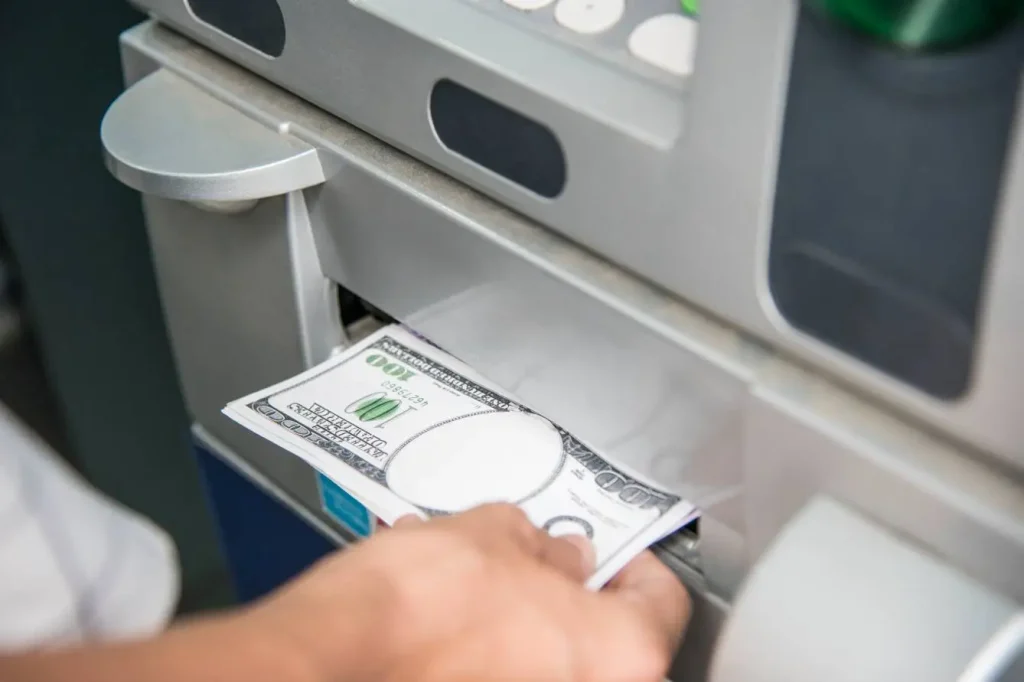
Before the machine arrives, a few infrastructure requirements need to be in place.
| Requirement | Details |
| Power supply | Dedicated 110V or 220V outlet depending on machine model |
| Internet connection | Ethernet preferred; cellular backup available for remote locations |
| Floor surface | Level, stable surface capable of supporting machine weight |
| Anchoring | Bolts or floor anchors required for freestanding machines |
| Ventilation | Adequate airflow to prevent processor overheating |
The Installation Process Step by Step
A professional ATM installation and maintenance typically follows this sequence:
1. Site survey — technician confirms power, connectivity, and placement viability
2. Delivery and positioning — machine is placed in the confirmed location
3. Physical anchoring — machine is secured to the floor to prevent theft
4. Power and network connection — all cables connected and tested
5. Software configuration — processor setup, fee programming, receipt customization
6. Cash loading and test transactions — machine is funded and fully tested before going live
7. Compliance check — ADA, signage, and regulatory requirements verified
Rushing any of these steps creates problems that show up later, usually at the worst possible time.
Freestanding v. Through-the-Wall ATMs
| Type | Best For | Installation Complexity | Cost |
| Freestanding | Indoor retail, bars, convenience stores | Lower | Lower upfront |
| Through-the-wall | Banks, drive-throughs, exterior access | Higher | Higher upfront |
| Drive-up | Banks and credit unions with drive lanes | High | Highest |
| Lobby/kiosk | Hotels, casinos, large venues | Medium | Medium |
Part 2: ATM Maintenance
Installation gets the machine running. Maintenance keeps it running. The two most common reasons ATMs go offline are cash depletion and hardware failures that could have been caught earlier with routine checks. For business owners exploring the Guide to Passive Income Through ATM Services in the U.S. & Canada, understanding the importance of regular ATM maintenance is essential for maximizing uptime, customer trust, and long-term profitability.
Routine Maintenance Tasks
A consistently maintained ATM machine schedule prevents most common ATM problems before they become outages.
Daily tasks:
• Check cash levels and replenish before depletion
• Review transaction logs for errors or anomalies
• Inspect the exterior for tampering or damage
• Confirm the machine is online and processing normally
Weekly tasks:
• Clean the card reader and cash dispenser mechanisms
• Check receipt paper levels and replace if needed
• Review error codes from the machine’s diagnostic system
• Inspect the keypad and touchscreen for wear or unresponsiveness
Monthly tasks:
• Full interior cleaning including dust removal from vents and components
• Inspect all cable connections for wear
• Review security camera footage for any suspicious activity around the machine
• Software and firmware update check
Common ATM Problems and How to Address them
| Problem | Likely Cause | Solution |
| Card reader errors | Dirty or worn card reader | Clean or replace card reader |
| Cash dispenser jams | Worn rollers or misaligned cassettes | Clean mechanism, replace rollers |
| Receipt printer failure | Paper jam or empty roll | Clear jam, reload paper |
| Network connectivity loss | Router issue or ISP outage | Restart network, contact ISP |
| Machine offline | Software crash or power issue | Reboot, check power supply |
| Skimming device detected | External fraud device attached | Remove device, report to authorities |
Cash Management Best Practices
Running out of cash is one of the most preventable ATM problems and one of the most damaging to customer trust. A machine with an out-of-service sign on it loses transactions and trains nearby customers to look for alternatives.
• Set minimum cash threshold alerts so you’re notified before the machine empties
• Analyze transaction patterns to predict peak usage periods and load accordingly
• Keep a regular cash replenishment schedule rather than waiting for alerts
• Use armored cash delivery services for higher-volume machines
Security Maintenance
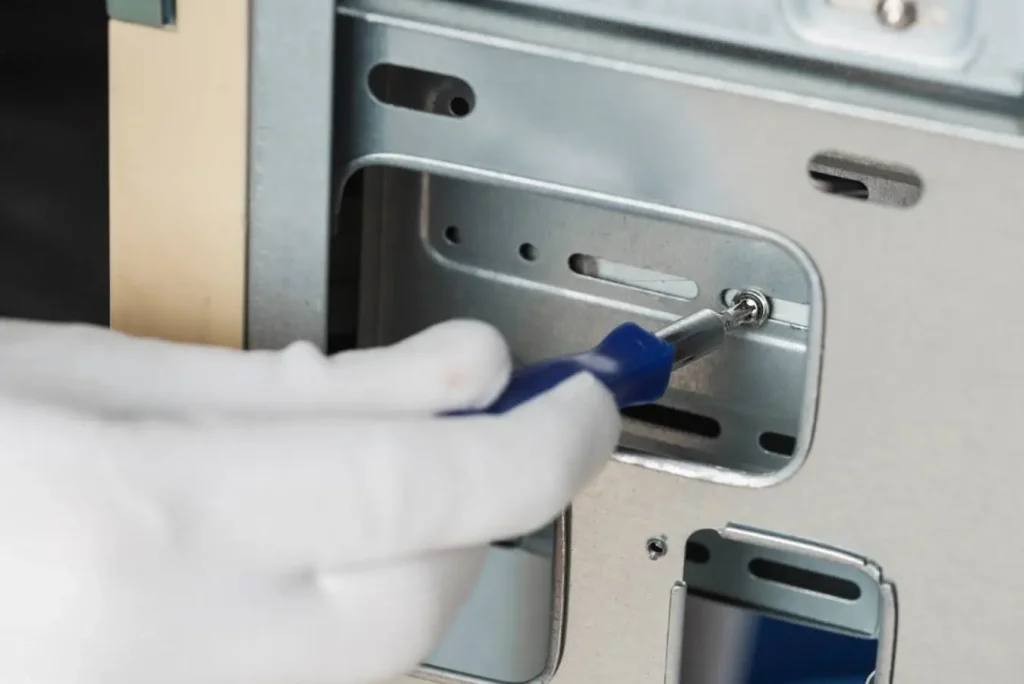
ATM security isn’t just about physical locks. It’s an ongoing process that involves both hardware and software vigilance.
• Inspect the card reader slot regularly for skimming devices — these can be very small
• Check for any unusual additions to the machine’s face or keypad overlay
• Ensure security cameras covering the machine are functional and recording
• Keep the machine’s software and security patches current
• Use encrypted communication between the ATM and the processor
• Enable tamper alerts that notify you if the machine is physically interfered with
When to Call a Professional Technician
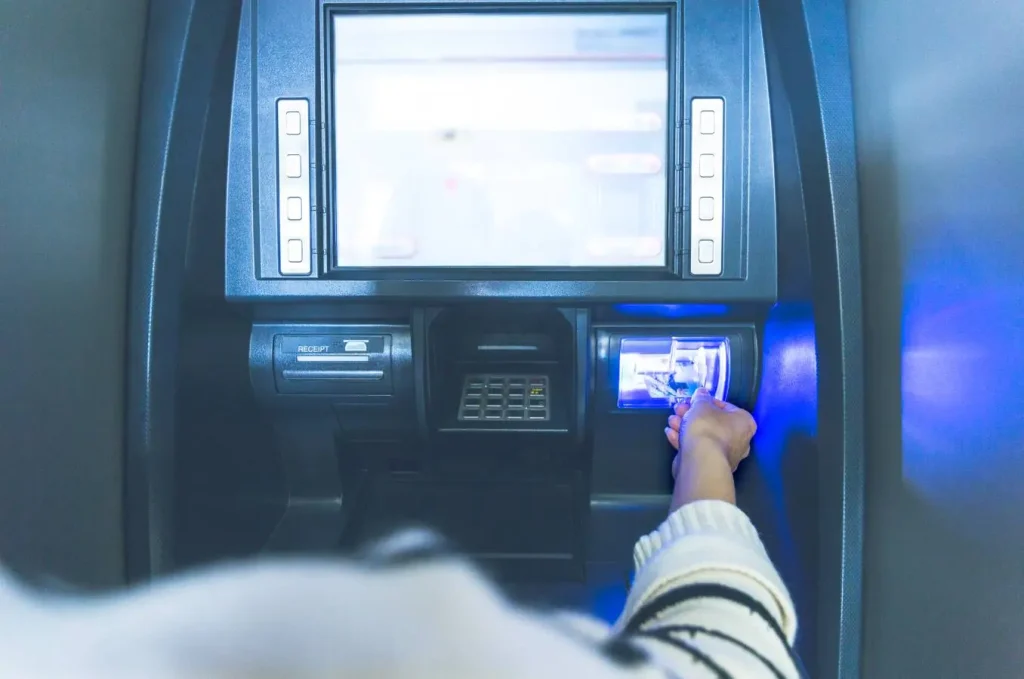
Some ATM issues are beyond routine maintenance and need professional attention. Knowing when to call saves time and prevents further damage.
| Issue | DIY or Professional? |
| Receipt paper replacement | DIY |
| Cash replenishment | DIY |
| Exterior cleaning | DIY |
| Card reader replacement | Professional |
| Dispenser mechanism repair | Professional |
| Software updates and patches | Professional or vendor-managed |
| Motherboard or processor issues | Professional |
| Physical security breach | Professional + authorities |
ATM Maintenance Schedule Summary
| Frequency | Key Tasks |
| Daily | Cash check, transaction log review, exterior inspection |
| Weekly | Card reader cleaning, receipt paper check, error code review |
| Monthly | Interior cleaning, cable inspection, software update check |
| Quarterly | Full professional service, security audit, compliance review |
| Annually | Complete hardware assessment, contract review, major software updates |
Final Thoughts
An ATM is only as good as the care it receives. A properly installed machine in the right location with a consistent maintenance schedule runs reliably, generates steady surcharge revenue, and gives customers a reason to return.
The businesses that get the most out of their ATMs aren’t the ones that install and forget. They’re the ones who treat the machine as an active asset that needs regular attention to keep performing.
Whether you’re installing your first machine or managing a fleet, the fundamentals don’t change. Good placement, clean installation, and consistent upkeep are what keep ATMs working 24/7, ensuring your business can maintain ATM machine reliably. If you’re looking for professional ATM setup and ongoing support, partner with a trusted team that keeps your machines running smoothly and your customers satisfied. Contact us today for reliable ATM solutions tailored to your business needs.
FAQs
1. What does ATM installation and maintenance typically cost?
Installation costs vary depending on machine type and location complexity. Freestanding indoor machines are the least expensive to install. Ongoing maintenance costs depend on whether you manage it yourself or use a service contract, with managed service agreements typically ranging from a few hundred to over a thousand dollars annually.
2. How often should an ATM be serviced by a professional?
A full professional service is recommended quarterly at minimum for high-volume machines and at least twice a year for lower-volume locations. Some maintenance tasks like cash replenishment and basic cleaning can be handled in-house on a more frequent schedule.
3. What is the biggest cause of ATM downtime?
Cash depletion and card reader or dispenser malfunctions are the most common causes of ATM downtime. Both are largely preventable with regular monitoring and routine maintenance schedules.
4. How do I protect my ATM from skimming fraud?
Regular physical inspection of the card reader slot, keypad, and machine face is the most reliable protection against skimming devices. Anti-skimming hardware components, encrypted communications, and tamper detection alerts also significantly reduce risk.
5. Can I maintain an ATM myself or do I need a service contract?
Basic tasks like cash replenishment, receipt paper replacement, and exterior cleaning are straightforward for a business owner to handle. Hardware repairs, software updates, and security patches are better managed through a professional service contract or vendor-managed program to ensure compliance and reliability.