Most people swipe or tap their card every single day, yet they couldn’t explain what actually happens behind that tiny beep. You stand at the counter, your card touches the machine, the screen flashes “Approved,” and you walk away without thinking twice. It feels instant, almost too simple. But behind that little moment is a wild amount of activity happening in the background. Banks talk to other banks, processors check security rules, networks make the final call, and everything runs so fast your brain barely has time to blink.
If you run a business, this stuff matters even more. One failed payment at the wrong time can cost you a sale. One delayed deposit can mess with your cash flow. And one confusing fee on your statement can make you want to throw your card machine through a window. So let’s break the whole process down in a way that makes sense, even if you hate anything “finance-y.”
This is the human, no-robot explanation of how credit card payments work.
Why We Even Need Credit Card Payments
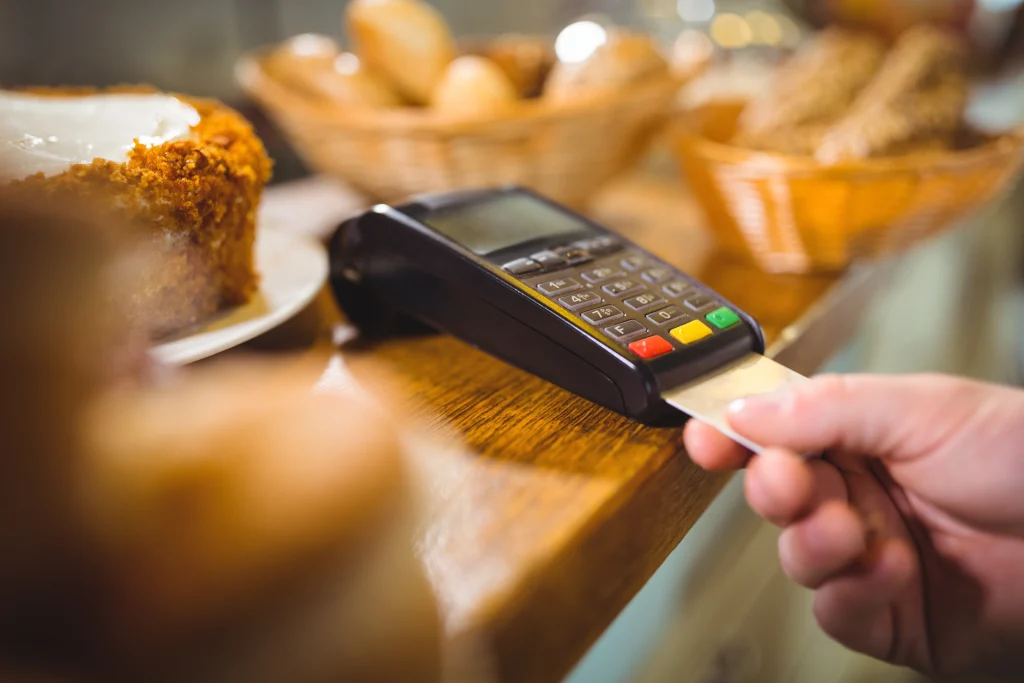
We live in a world where hardly anyone carries cash anymore. Most people don’t even bother keeping a wallet. They walk around with a phone that pays for everything. Cash has slowly become that “backup plan” nobody uses unless something breaks.
Businesses know this all too well. If you tell a customer “cash only,” there’s a high chance they walk right out. And when they leave, you know exactly what you just lost: a paying customer who had the money but couldn’t give it to you.
That’s why card machines matter. They help you accept almost anything:
- Tap payments
- Chip cards
- Swipes
- Apple Pay
- Google Pay
- Contactless phone taps
Accepting cards isn’t a luxury anymore. It’s survival.
What Actually Happens When You Tap or Swipe Your Card
Most people assume the money magically moves straight from their account into the store’s account. It looks instant, so your brain just fills in the blanks and assumes it is instant.
But nope. The truth is a lot messier and way more interesting.
The second you tap, four different parties jump into action:
- You, the cardholder
- The business you’re paying
- A payment gateway
- Your bank (the card-issuing bank)
These 4 talk to each other at lightning speed. But the actual money doesn’t move right away. What you see on screen, that “Approved” message, is more like a permission slip. It’s the bank saying, “Yeah, the funds are available, go ahead.”
The real transfer happens much later.
5 Simple Steps to Understand How Credit Card Payments Work
Here are simple steps that break down what really happens each time you tap, swipe, or insert your card so you finally understand the full payment journey.
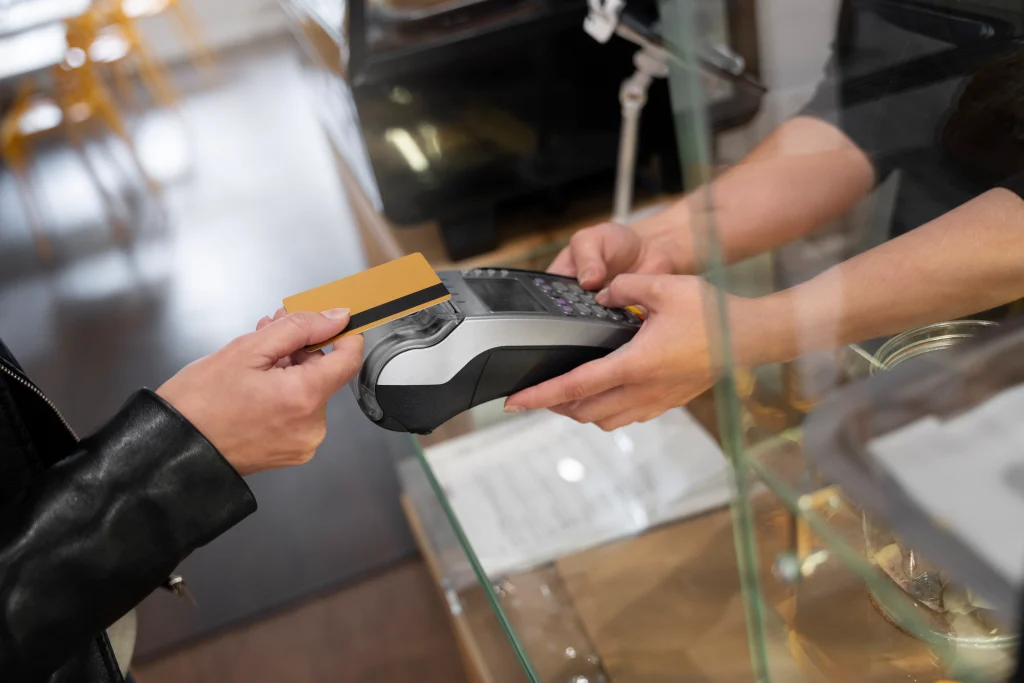
Step 1: You Tap, Swipe, or Insert Your Card
Every credit card contains a small chip, a magnetic stripe, and sometimes an RFID antenna for tap-to-pay. When you use your card, the chip sends encrypted information to the payment gateway.
“Encrypted” basically means the information is scrambled so nobody else can read it. Not the cashier, not the machine manufacturer, nobody. It’s one-way communication that stays protected the whole time.
This first moment is the digital handshake that says, “Here’s my card info, please start the process.”
Step 2: The Card Machine Calls the Payment Processor
The payment processor is the company behind the scenes making sure everything gets routed correctly. You might recognize some of these names:
- Square
- Stripe
- Clover
- PayPal
- Worldpay
- Fiserv
Think of them as the translators. They take the data from your card and deliver it to the right bank in a format it can understand.
Your machine can’t talk to the bank directly; it’s like two people speaking different languages. The processor is the interpreter in the middle, keeping the conversation clean.
Step 3: The Processor Contacts the Bank That Issued the Card
This is where the real decision happens.
Your bank receives the transaction request and checks a bunch of things in milliseconds:
- Is the card active?
- Is the card stolen?
- Does this look like fraud?
- Does the customer have enough credit?
- Is the transaction amount suspicious?
- Is the business trustworthy?
The bank has dozens of automated rules running in the background. If anything looks weird, like you suddenly making a purchase across the world — it may decline the payment.
If everything looks normal, the bank approves it.
Step 4: The Approval (or Decline) Message Travels Back
This is the part you actually see.
The machine flashes:
Approved
or
Declined
And that’s the moment people think the money moves. But in reality, nothing has moved yet. All you’ve received is a “promise” from the bank. A handshake agreement.
This approval simply reserves the amount on your card until the merchant deposits their transactions later.
Step 5: The Merchant Gets Paid (But Not Immediately)
This part surprises most business owners when they first start accepting cards.
You don’t get paid instantly.
Instead:
- The transaction gets added to a batch
- The batch is submitted at the end of the business day
- The bank releases the funds to the merchant’s bank
- The merchant usually receives the deposit next day
Some processors offer instant deposits, but they charge extra for a credit card payment.
This is why refunds aren’t immediate either. The system has to reverse the approval through the same settlement process.
Why Credit Card Transactions aren’t Free
Every credit card transaction comes with fees. And those fees are shared between:
- the card network (Visa, Mastercard, Amex, etc.)
- the processor
- the bank
This is why you sometimes see stores charge “card processing fees” or set a minimum purchase amount. Small businesses run at tight margins, and losing 3% on every sale matters a lot when you add it up over the month.
Typical fees look like:
- 1.7% to 3% per transaction
- sometimes a small flat fee like 10 cents
- possible monthly fees depending on the processor
So when you see a business encourage cash, it’s usually because they’re trying to avoid these charges.
Tap, Chip, Swipe: What’s the Difference?
These may confuse many. Here’s a quick description of each to help you remember the difference:
Swipe
Uses the magnetic stripe. Old and insecure. Easy to clone.
Chip (EMV)
Uses the embedded chip. Much safer, harder to duplicate.
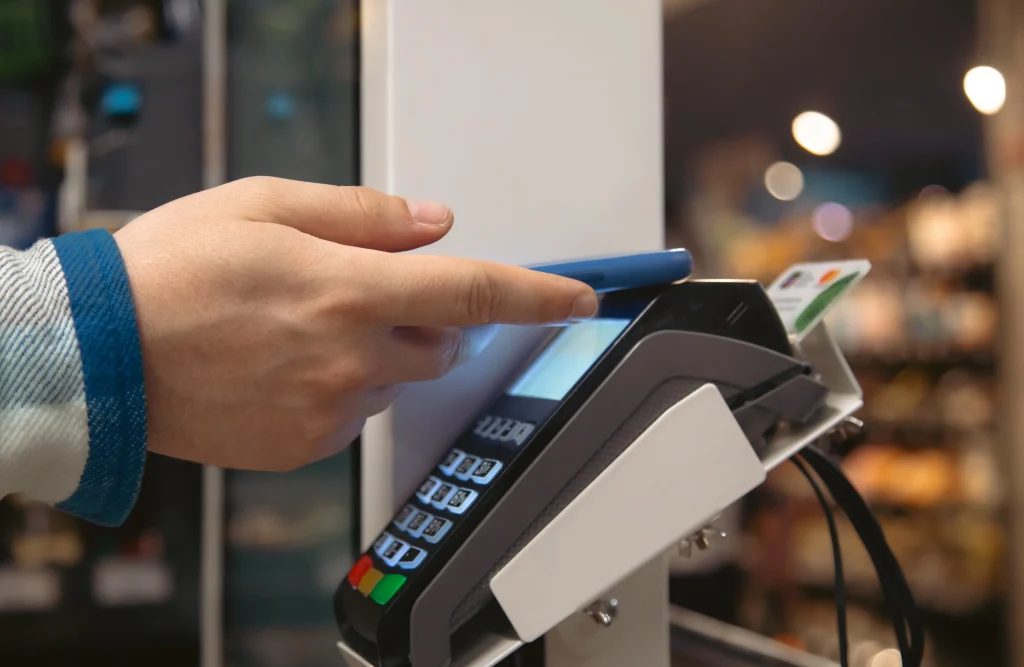
Tap (NFC)
The most modern and secure option. Creates a one-time code that can’t be reused.
Tap payments are actually the safest of the 3, which is why many stores prefer them.
Why a Card Might Get Declined Even if You Have Money
Here are common reasons:
- Wrong PIN
- Cashback request exceeding limits
- Bank thinks the transaction is suspicious
- Card expired
- Card damaged
- Terminal offline
- Network outage
- Daily spending limit reached
Sometimes the bank just blocks a transaction for safety. It’s annoying, but it usually means the fraud systems caught something odd.
What Happens After You Leave the Store
Behind the scenes, the transaction is sitting in a batch waiting to be processed. At the end of the day, the merchant submits the batch.
From there:
- The processor forwards the batch to the card networks
- The networks route it to the right banks
- The banks settle the amount
- The merchant gets the deposit in their account
Think of it like a late-night digital bookkeeping session where everything gets cleaned up.
Why this Matters for Business Owners
Understanding how a credit card payment works helps you avoid problems like:
- Delayed deposits
- Unexpected fees
- Payment failures
- Chargebacks
- Fraud
- Slow processing times
When you understand the system, you can choose better machines, better processors, and avoid contracts that trap you with ridiculous fees.
Final Thoughts
A credit card payment looks simple from the outside, but once you peek behind the curtain, you realize it’s more like a fast-moving chain of tiny decisions happening in perfect order. One tap starts a whole conversation between machines, processors, and banks, and somehow it all wraps up in seconds. The customer barely notices, but the system is doing a lot of heavy lifting to make that one “Approved” message show up.
If you want a setup that makes this process easy for your own business, POS Circle can help you find the right tools and get everything running without stress. Contact us today!
FAQs
1. Why does a credit card payment show “Approved” instantly even though money doesn’t move right away?
The approval message is just your bank saying the funds are available. The actual money transfers later through settlement, batching, and network processing, which happens after the business closes for the day.
2. Why do some businesses charge extra fees for credit card payments?
Businesses pay processing fees every time a card is used. Those small percentages add up fast, especially for low-margin shops, so some owners pass a small fee to cover those costs.
3. Why does my card get declined even when I have money available?
Banks decline transactions for many reasons like fraud alerts, unusual spending, damaged cards, incorrect PINs, or hitting daily limits. Sometimes it’s just the bank protecting you based on behavior patterns.
4. How long does it take for a business to actually receive credit card payments?
Most businesses get their deposits the next business day. Some processors offer same-day payouts for an extra fee, but standard settlement takes about 24 hours after batching is completed.
5. What’s the difference between tap, chip, and swipe payments for security?
Swipe is old and easy to clone, chip is safer with encrypted data, and tap uses one-time secure codes. Tap-to-pay is considered the most secure method for everyday transactions.