If you’ve ever tapped your card on a machine and walked away thinking, “That was fast… but what actually just happened?”, you’re not alone. Most of us use wireless payments every single day without stopping to understand what’s going on behind that quick beep.
The truth is that tiny moment is backed by a long chain of signals, security checks, approvals, and digital handshakes all happening in seconds. Wireless card payments look simple from the outside, but the tech behind them is surprisingly clever, and surprisingly human-designed. Someone sat down and built a system where money moves without wires, pins, or signatures.
This guide explains wireless card payments the way a real business owner or regular shopper would understand it, no jargon, no textbook fluff, just how it actually works when you tap your card or phone on a machine. This is the real-world version of how a wireless transaction process moves money in seconds.
What is a Wireless Card Payment?
Before getting into the moving parts, let’s get clear about what a “wireless payment” actually means in everyday language.
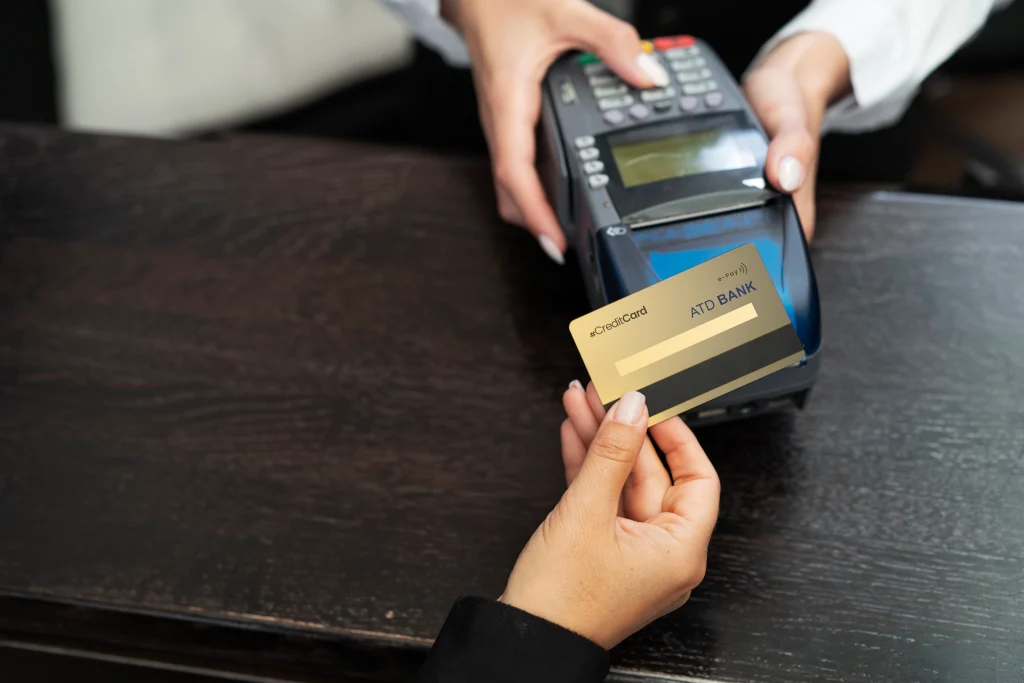
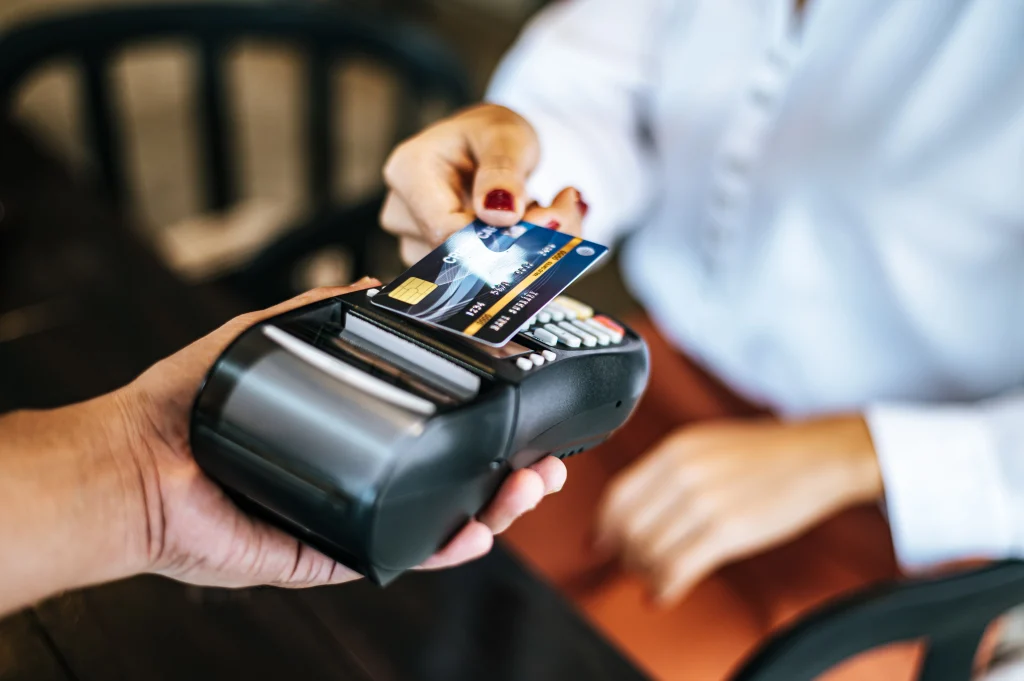
Wireless card payment is when you pay by tapping, hovering, or bringing your card or device close to a payment terminal. No swiping. No inserting. No PIN in most cases. Your card talks to the machine using short-range radio tech.
Most people know it as:
- Tap to Pay
- Contactless Payment
- NFC Payment
- Wireless Card Tap
They all mean the same thing: 2 devices exchanging payment data through very short-range waves.
What Makes Wireless Payments Possible?
Here’s the part nobody ever explains clearly: the technology behind the tap.
Wireless payments run on something called NFC (Near Field Communication). It’s not Bluetooth. It’s not WiFi. It’s basically a tiny antenna in your card that wakes up when it comes close to another antenna in the payment machine.
When both antennas meet, they trade information for a split second… but only within a distance of about 2–4 centimeters.
This small distance is what keeps the system safe. It’s also what makes a wireless card payment secure for everyday use.
The Card Has a Tiny Chip and Antenna Inside
If you ever tear a card apart, don’t worry, everyone tries it once, and you’ll see a copper loop inside.
That loop is the antenna.
It wakes up only when it’s extremely close to a payment terminal. The chip in the card holds encrypted information that your bank recognizes.
The Payment Terminal Has its Own Antenna
Retailers use wireless POS machines or card readers that broadcast a tiny field. When your card comes into that space, the two devices “shake hands,” exchange encrypted data, and start the transaction.
What Happens When You Tap Your Card?
Now we get into the fun part. You tap your card. The machine makes a beep. The payment goes through. But that quick moment has several steps happening behind the scenes.
Here’s the real sequence in human terms.
Step 1: Card Wakes Up
Your card is “asleep” until the moment it enters the terminal’s NFC zone.
Within a split second:
- The terminal powers the chip wirelessly
- The chip turns on
- It prepares encrypted information
This all happens automatically with no action from you.
Step 2: The Terminal Reads Encrypted Info
The machine grabs only what it needs:
- Card number
- Expiration
- A unique one-time authentication code
This is important: it does NOT pull your actual card data directly.
The system generates a fresh code every single time you tap, which makes it hard for thieves to reuse. This is one of the reasons a wireless card payment feels fast but stays incredibly secure.

Step 3: Terminal Sends Data to the Processor
The card reader sends the encrypted info to the payment processor, the company that handles the money journey.
Examples include:
- Stripe
- Square
- PayPal
- Clover
- Bank processors
The processor checks everything and asks your bank for approval.
Step 4: Your Bank Says Yes or No
There are a couple of things that your bank looks at:
- Card balance
- Credit limit
- Location
- Fraud patterns
- Daily spending
- Merchant details
Then, your bank does one of two things: approves or declines. This takes less than a second.
Step 5: Machine Shows the Result
If approved, you get the familiar sound or message: Approved.
If declined, the machine shows: Transaction Failed or Try Another Payment Method.
That’s the whole tap-to-pay journey in real life.
Why Wireless Card Payments are So Safe
Some people worry that tapping is “less secure” than inserting a card. The opposite is true. Wireless payments are actually harder to steal from because they use:
- One-time transaction codes
- Extremely short connection distance
- Encrypted signals
- Anti-replay technology
- Unique card identifiers
Even if a hacker somehow captured the transaction signal, it wouldn’t work again because the code expires instantly.
Phones add even more security with:
- Face ID
- Fingerprint unlock
- Device encryption
- Tokenized card numbers
So, a tap from a phone is one of the safest payment methods in the world right now.
Wireless Payments aren’t Just Cards Anymore
Wireless payments aren’t limited to physical cards. NFC is built into:
- iPhones (Apple Pay)
- Android phones (Google Pay, Samsung Pay)
- Smartwatches
- Fitness bands
- Key fobs
- Smart rings
Anything with NFC can act like a contactless card as long as it’s authorized by a bank.
How Wireless Payments Help Businesses
Real-world benefits matter more than tech details, especially for small businesses. Here’s what tapping does for them:
Faster Checkouts
Lines move quicker. Customers don’t fumble with cards or PINs.
Higher Customer Satisfaction
People love the convenience of tapping, especially younger shoppers.
Fewer Abandoned Purchases
If a customer sees a long line, they walk away. Wireless payments keep them moving.
Cleaner, Touch-free Transactions
Post-pandemic, contactless payments skyrocketed because people didn’t want to touch terminals.
Lower Operational Problems
Cards don’t get jammed. Chips don’t fail. Terminals last longer.
What if the Wireless Payment Fails?
Wireless payments usually work flawlessly, but when they don’t, the reasons are simple:
- Card is too far from the terminal
- Terminal NFC reader is turned off
- Card limit reached
- Bank flagged unusual activity
- Card is damaged
- Terminal or bank network is down
- Phone wallet is not authenticated
These aren’t technical faults; they’re normal real-life hiccups with any wireless card payment.
Future of Wireless Card Payments
Wireless payments are becoming the default in many countries. The future likely includes:
- Tap-to-pay on phones (merchant phones replacing POS hardware)
- Wearable payments
- Wallet-less payment identity
- Biometric verification
- Faster transaction approvals
We’re moving toward a world where physical cards eventually fade away.
Wireless card payments work by securely transmitting card data from a contactless card or mobile wallet to a payment terminal using NFC technology. The terminal then connects with the bank and payment processor to authorize the transaction in seconds. To understand this flow better, it helps to know What Are Payment Processing Services? A Complete Guide, as these services handle authorization, encryption, and settlement behind the scenes. Together, they ensure fast, safe, and seamless transactions for both businesses and customers.
To Conclude
Wireless card payments feel simple on the surface because they’re designed to be simple for the shopper. But behind that simplicity is a fast, secure, and surprisingly elegant chain of communication between your card, a terminal, a processor, and your bank.
Every tap is a tiny miracle of timing, encryption, and lightning-fast approval, all designed to make paying easier for both businesses and customers.
Understanding the basics helps you appreciate how modern payments actually work and why tapping is becoming the universal way to pay.
Have more inquiries? Reach out to us at POS Circle today! We’re here to ensure your customers get the fast, modern, contactless payment experience they expect from a professional, trusted business.
Wireless card payment allows customers to pay securely using portable terminals that connect via Wi-Fi or mobile networks. Unraveling the Purpose of a Payment Terminal shows how these devices encrypt card data, authorize transactions, and send payment details instantly to the processor. This makes checkout faster and more flexible for businesses on the move. It also enhances convenience and security for customers.
FAQs
1. How secure are wireless card payments?
Wireless card payments use encrypted, one-time codes that cannot be reused, making them extremely safe. Even if someone intercepted the signal, it would be useless. Your bank also checks every transaction instantly.
2. Why does my wireless card sometimes fail to tap?
A failed tap usually happens when the card is too far from the reader, the NFC chip is damaged, or the bank temporarily blocks the transaction for security reasons. These issues are common and easy to fix.
3. Can wireless payments work without an internet connection?
The card reader usually needs an internet or cellular connection to send the transaction for approval. Some terminals allow limited offline payments, but they sync once the network reconnects.
4. Is there a spending limit for wireless card payments?
Many banks set a small limit for contactless payments to reduce fraud risk. Once you exceed it, you may need to insert your card or verify your identity. Limits vary by bank and country.
5. Do wireless payments work with phones and smart devices?
Yes, phones, smartwatches, and even payment-enabled rings use the same NFC technology as cards. They add extra layers of protection like biometrics, making them even safer for wireless transactions.