Running a store today is no small task. You have customers coming in, payments to track, stock to manage, and staff to guide. A POS systems helps you keep things under control. Still, most business owners ask the same question. How much does it all cost? This guide breaks things down in a clear and friendly way. You will understand the POS system cost without guesswork or stress.
The True Price of Running a Checkout that Never Sleeps
A good POS setup keeps your day smooth. It helps your team move fast. It also helps you avoid long lines and messy records. Many people think POS tools are simple machines. In truth, they carry a lot of work behind the screen.
Before we get into numbers, it helps to understand why a system like this matters.

Why POS Systems Matter
A solid POS system ties your shop together. It tracks sales. It manages stock. It links reports so you know what is happening. All of this helps you make smarter choices in real time.
The Modern Checkout Experience
The old cash box is gone. Today, many stores use a mix of touchscreens, small card readers, and cloud dashboards. These tools help you check out shoppers faster and give you a clear view of daily numbers without stress. This is exactly why your business needs a modern POS system, as it combines convenience, speed, and real-time insights to streamline operations and enhance customer experiences.
What Actually Makes Up a POS System?
Before prices make sense, you need to know the parts. Each piece adds a different function. Some are basic. Some are optional. The mix you choose shapes the final cost.
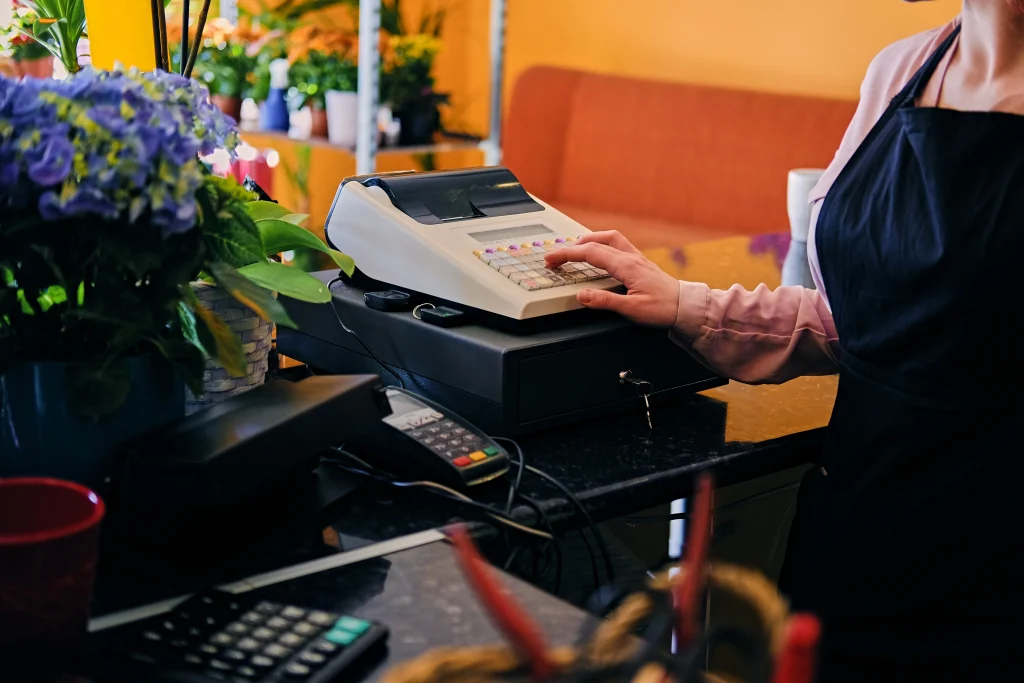
Hardware Components: The Tools You Can Touch
Your hardware forms the base of your system. You can pick simple parts or advanced tools.
The Essentials
- Tablet or register
- Card reader
- Receipt printer
Optional Add-ons
- Cash drawer
- Barcode scanner
- Label printer
These items support smooth work in your store. Some shops only need the basics. Others need more tools based on how busy the shop is.
Software Components: The Brain Behind the Counter
The software runs the full system. It helps track stock and sales. It also stores daily records. Many systems use cloud hosting, so you can log in from anywhere. The price depends on the depth of features. More features mean more support for your shop.
How Much Do Different POS Systems Cost?
Now that you know the parts, the numbers make more sense. Here is a simple look at how the POS system price can shift.
POS Pricing Table: A Visual Breakdown
| POS Type | What You Get | Typical Price |
| Cloud POS | Software and remote access | $29 to $199 per month |
| Traditional POS | On-site hardware and license | $1,500 to $4,000 upfront |
| Hybrid POS | Mix of cloud and local hardware | $60 to $250 per month |
| Mobile POS | App and card reader | $0 to $30 per month |
These ranges give you a quick sense of what to expect. Your final cost depends on your setup.
Why POS Prices Vary So Much
A few key points decide the price. The size of your shop matters. The number of features also plays a part. Some systems work with simple tools. Others need advanced hardware. Some providers charge for support and extra services. It all adds up.
Key Factors that Influence POS System Cost
Take a moment here. It helps to understand what shapes your bill before you choose, and knowing the features to look for in a POS system makes the cost easier to plan and ensures you select the right solution for your business needs.
Hardware v. Software Costs
Some companies charge for hardware alone. Others bundle hardware with software. If you already own a tablet, you can save money. If you want a full setup, expect a higher cost.
Subscription Fees v. One-time Payments
Some systems use monthly plans. Others use one-time fees.
Subscription Pros
- Lower first cost
- Regular updates
- Easy support
One-time Payment Pros
- Full control
- No monthly fee
Pick the model that fits your style of work.
Add-on Features that Increase Price
Extra features can help your shop grow, but they do raise the price. Here are common add-ons.
- Staff roles
- Deep stock tools
- Online orders
- Loyalty rewards
Each feature adds value in a busy shop.
How to Choose a POS System without Overpaying
It helps to slow down before buying. POS plans can look alike at first glance. Still, each one works best for a different type of business. A clear view helps you match the POS system price to your needs.
Know Your Business Needs First
A retail shop needs strong stock tools. A cafe needs a fast ticket setup. A salon needs booking tools.
You can list your top needs to guide your search.
Compare Contracts Carefully
Some plans look cheap but lock you in. Some charge extra for simple tools. Look at support terms. Look at hardware rules. Look at fees for card payments too. A clear contract helps you avoid stress later.
Features Worth Paying for
Some tools create real value. These include sales reports, easy refunds and loyal customer tools. These small touches help staff work faster. They also keep your shoppers happy.

Real-world Price Examples for Different Business Types
A few real scenarios help you picture the cost. Think about your type of shop and what you need most.
Small Retail Shop
A retail shop needs a tablet, a card reader, and stock tools. Expect a mid-range monthly plan. This helps you track sizes, colors, and restock alerts.
Busy Restaurant
Restaurants need stronger setups. These include screens for the kitchen and table tools for staff. They also need clear menus and tip options. The cost climbs but the speed helps you serve more guests.
Pop-up or Mobile Business
Mobile shops need light tools. A card reader and a phone app can do the job. This keeps your POS system cost low while still giving you strong support.
Summing Up
Your POS setup should help your day, not slow it. The right plan helps you track sales, guide staff, and grow your shop with ease. When you look at the POS system price, think about how it fits your long-term goals. A strong system saves time, builds trust, and keeps your shop running with less stress.
If you want support from a team that understands real business needs, you can connect with POS Circle. We help you find a setup that fits your shop, your budget, and your daily workflow. Contact us today!
FAQs
1. How do I know which POS system is right for my shop?
Start by listing your daily needs. A cafe needs quick order tools. A retail shop needs strong stock tracking. A salon needs booking support. Once you know your core tasks, picking a system becomes easier.
2. Why do POS systems have such different prices?
Prices shift due to features, hardware, and support levels. Some plans include gear. Some charge for each extra tool. A system with deep reports or advanced stock tools often costs more.
3. Can I lower my POS cost by using my own hardware?
Yes. Many cloud POS brands work on common tablets. If you already own one, your cost drops. You may only need a card reader and a small printer.
4. How long does setup usually take?
Most cloud systems take a few hours. Traditional systems take longer because they use wired hardware and local software. A clear setup guide helps speed things up.
5. Do small shops really need a POS system?
Yes. Even tiny shops gain value from clean sales records and simple inventory tracking. A small plan with basic tools can help you work faster and avoid mistakes.