Not accepting credit cards in 2026 is one of the quickest ways to lose sales you should have made. Customers expect to pay by card, phone, or contactless device. A business that only takes cash isn’t just inconvenient; it signals to customers that the operation isn’t fully set up.
The good news is that setting up credit card processing for a small business is more straightforward than it used to be. The options are more flexible, the hardware is more affordable, and the fees are more competitive than ever. Using reliable credit card services for a small business ensures smooth adoption and avoids costly errors.
Here’s everything a small business needs to know to start accepting credit card payments the right way.
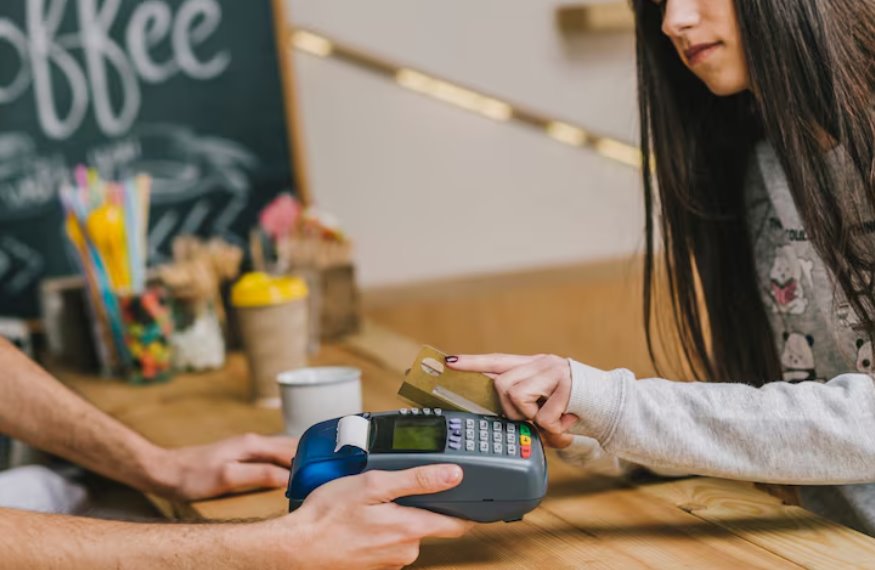
Why Small Businesses Need Credit Card Processing
The case for accepting cards is simple. Customers who pay by card tend to spend more than cash customers. Card payments are faster at checkout. And a business that accepts all payment types never loses a sale because a customer didn’t bring enough cash.
| Benefit | What It Means for Your Business |
| Higher average transaction value | Card users consistently spend more per transaction than cash customers |
| Faster checkout | Tap and chip payments complete in seconds with no change-making delays |
| Fewer lost sales | Never turn away a customer because of payment limitations |
| Better cash flow tracking | Digital transactions create automatic records for bookkeeping |
| Customer trust | A professional payment setup signals a legitimate, established business |
Choosing the right small business credit card processing setup improves all these areas significantly.
Understanding How Credit Card Processing Works
Before choosing a processor, it helps to understand what actually happens when a card is swiped, tapped, or inserted. If you’re unfamiliar with the transaction flow, here’s a detailed explanation of how credit card payments work from authorization to settlement.
• The customer presents a card or mobile wallet at your terminal
• Your payment terminal captures and encrypts the card data
• The data is sent to your payment processor
• The processor routes the request to the card network, Visa, Mastercard, Amex, or Discover
• The card network contacts the customer’s issuing bank for approval
• The bank approves or declines and sends the response back through the same chain
• Your terminal receives the response and completes or declines the transaction
• Funds are settled into your merchant account typically within one to two business days
Understanding this process helps you evaluate different credit card services for small businesses and choose a system that fits your operations.
What You Need to Accept Credit Card Payments
A Merchant Account
A merchant account is a type of bank account that holds funds from card transactions before they’re transferred to your regular business account. Some payment processors bundle the merchant account into their service; this is called an aggregated or hosted merchant account. Others set up a dedicated merchant account for your business specifically.
Aggregated accounts are faster to set up and work well for smaller transaction volumes. Dedicated merchant accounts offer more stability and are better for higher-volume businesses.
A Payment Processor
The payment processor is the company that handles the technical side of routing transactions between your business, the card networks, and the banks. Your choice of processor affects your fees, your hardware options, and the quality of your reporting and support. Understanding how credit card processing works can make it much easier to compare providers.
A Payment Terminal or POS System
You need hardware to actually accept the payment. Options range from a basic card reader that plugs into a smartphone to a full countertop POS terminal with a customer-facing display, receipt printer, and cash drawer.
| Hardware Type | Best For | Approximate Cost |
| Mobile card reader | Pop-up shops, markets, delivery, low volume | $20 to $100 |
| Countertop terminal | Retail stores, salons, service businesses | $200 to $600 |
| Full POS system | Restaurants, busy retail, multi-staff operations | $800 to $3,000+ |
| Tablet-based POS | Flexible mid-size operations | $300 to $1,000 |
The right setup improves small business credit card processing efficiency and customer experience.
Types of Credit Card Processing for Small Businesses
In-person Processing
This is the most common setup for physical businesses. A terminal or POS system processes chip, swipe, tap, and mobile wallet payments at the point of sale. In-person processing typically carries the lowest processing fees because the card is physically present, which reduces fraud risk. Businesses looking for contactless flexibility can also explore how wireless card payments work.
Online Processing
If you sell through a website or take payments remotely, you need an online payment gateway. This allows customers to enter card details on a checkout page. Fees are slightly higher for online transactions because the card is not physically present.
Virtual Terminal
A virtual terminal lets you manually key in card details on a computer or tablet — useful for phone orders or invoiced payments. Keyed transactions carry higher fees than card-present transactions due to increased fraud risk.
Recurring Billing
For businesses with subscription services, memberships, or repeat clients, recurring billing automates card charges on a set schedule. This requires a processor that supports recurring payment functionality.
Understanding Small Business Credit Card Processing Fees
Fees are the most confusing part of credit card processing for most small business owners. Here’s what you’re actually paying for.
| Fee Type | What It Is | Who Charges It |
| Interchange fee | The largest component of processing costs | The card-issuing bank |
| Assessment fee | A small percentage is charged per transaction | The card network (Visa, Mastercard, etc.) |
| Processor markup | The processor’s margin on top of interchange | Your payment processor |
| Monthly fees | Account fees, software subscriptions, gateway fees | Your payment processor |
| Chargeback fees | Charged when a customer disputes a transaction | Your payment processor |
Pricing Models
| Pricing Model | How It Works | Best For |
| Flat rate | Single percentage per transaction regardless of card type | Low-volume, simple businesses |
| Interchange plus | Interchange cost passed through plus fixed processor markup | Higher volume, more transparent pricing |
| Tiered pricing | Transactions sorted into qualified, mid-qualified, and non-qualified tiers | Often less transparent, watch carefully |
| Subscription/membership | Monthly fee plus flat per-transaction cost | High-volume businesses |
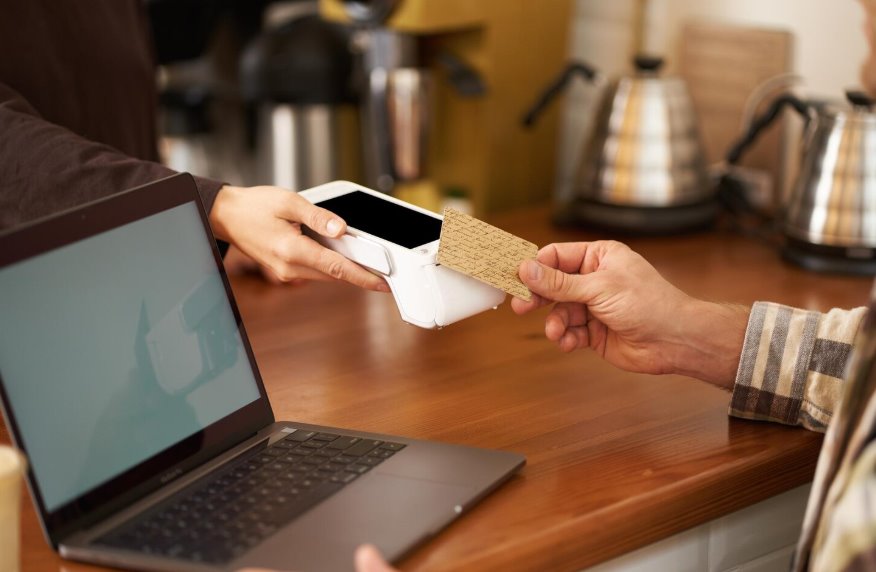
How to Choose a Credit Card Processor for Your Small Business
The right processor depends on your business type, transaction volume, and how you sell. If you’re comparing providers, this roundup of the best credit card processing solutions for small businesses can help narrow your options.
• Transaction fees — compare the full cost including markup, not just the headline rate
• Hardware compatibility — does the processor work with the terminals you need
• Contract terms — month-to-month is preferable for small businesses over long-term lock-ins
• Settlement speed — how quickly do funds reach your account after a transaction
• Customer support — is help available when something goes wrong during business hours
• Integration — does it connect with your accounting software, inventory system, or eCommerce platform
• Security — is the processor PCI-DSS compliant, and what fraud protection tools are included
Security Requirements for Accepting Card Payments
Every business that accepts credit cards must comply with PCI-DSS — the Payment Card Industry Data Security Standard. This is not optional. Non-compliance can result in fines and liability if a data breach occurs.
For most small businesses using a reputable processor and certified hardware, PCI compliance is handled largely by the processor. Your responsibilities include:
• Using PCI-certified payment terminals
• Never storing raw card data
• Keeping your POS software and firmware updated
• Completing your annual PCI self-assessment questionnaire
Final Thoughts
Accepting credit cards as a small business is no longer optional if you want to compete effectively. Customers expect payment flexibility, and businesses that provide it consistently outperform those that don’t.
The setup process is simpler than most small business owners expect. The key is choosing a processor whose fees, hardware, and contract terms fit your specific business rather than the first option you come across.
POS Circle carries a range of credit card processing solutions designed for small businesses across different industries. If you want help finding the right setup for your operation, we’re here to walk you through it.
FAQs
1. How do small businesses start accepting credit cards?
You need a merchant account, a payment processor, and a payment terminal or POS system. Many processors bundle the merchant account into their service, making setup straightforward. Once approved, you can typically start accepting cards within a few days.
2. What are typical credit card processing fees for small businesses?
Total fees typically range from 1.5 percent to 3.5 percent per transaction, depending on the card type, payment method, and processor. In-person chip and tap payments carry the lowest fees. Manually keyed transactions cost the most because they carry a higher fraud risk.
3. What equipment do I need to accept credit cards?
At a minimum, you need a card reader that connects to a smartphone or tablet. For a more permanent setup, a countertop terminal or full POS system is more practical. The right hardware depends on your transaction volume, business type, and whether you need additional features like inventory tracking or receipt printing.
4. Is credit card processing safe for small businesses?
Yes, when you use PCI-DSS certified equipment and a reputable processor. The security infrastructure built into modern payment systems — encryption, tokenization, and fraud detection- protects both your business and your customers. Your main responsibility is using certified hardware and keeping software updated.
5. Can I accept credit cards without a merchant account?
Yes. Many payment processors like Square, Stripe, and PayPal use aggregated merchant accounts, meaning you don’t set up a dedicated merchant account separately. You apply through the processor and are approved as part of their larger merchant pool. This is the fastest way for small businesses to start accepting cards.