Point of Sale (POS) systems have become the backbone of modern retail, restaurants, and service-based businesses. They no longer just process payments — today’s POS systems help manage inventory, track customer behavior, monitor staff performance, and generate real-time business insights.
With the global POS market growing rapidly, choosing the right POS system is no longer optional, it’s a strategic business decision. But here’s the challenge: not all POS systems are built the same. Each type serves a different business model, budget level, and operational style.
In this in-depth guide by POS Circle, you’ll learn:
✔ What a POS system is
✔ The 4 main types of POS systems
✔ Their features, advantages & limitations
✔ Which POS system is best for your business
Whether you run a small mobile shop or a multi-location franchise, this guide will help you choose the smartest POS solution.
Understanding POS Systems: A Quick Overview
Let’s first discuss a POS system. It is basically a device, or you can say, a machine, which allows customers to pay for goods and services. Nowadays, modern POS systems have combined cash drawers, barcode scanners, and receipt printers with software. This helps to manage inventory, sales, and reports as well, making it the ultimate guide to types of POS systems for businesses looking to streamline operations and improve efficiency.
Transaction Processing
Record sales and accept multiple payment types.
Inventory Tracking
Update stock levels automatically.
Sales Reporting
Produce real-time data along with analytics.
Customer Management
Track purchase history and loyalty rewards.
Employee Management
Monitor performance and shift schedules.
The 4 Types of POS Systems
POS systems come in several forms, each designed for a specific business setup. Let’s explore the four most common types used today.
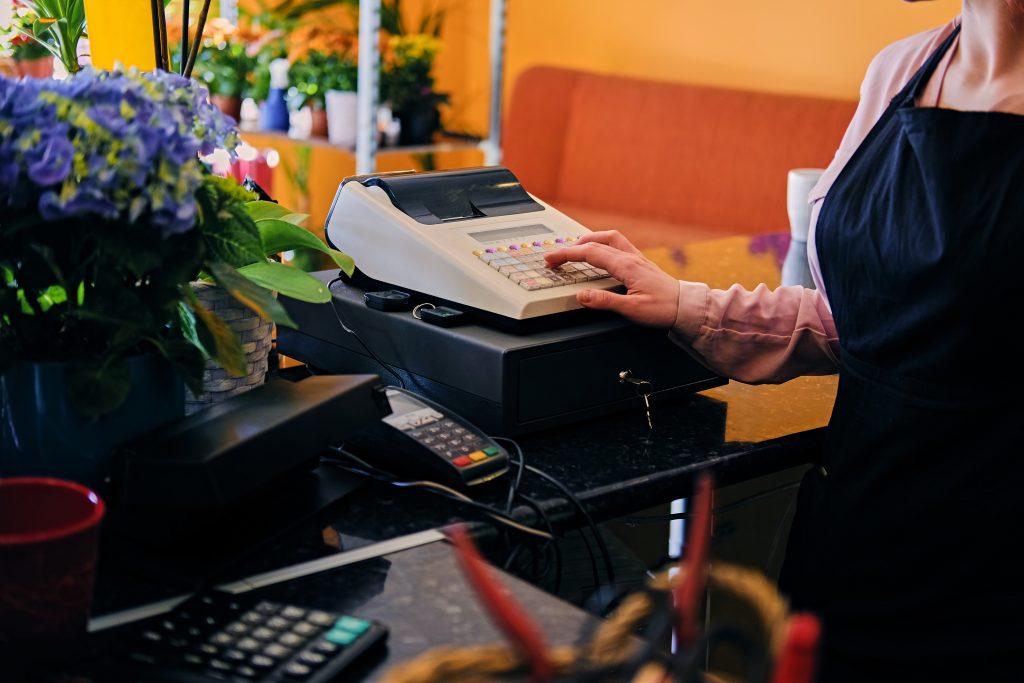
1. Terminal POS Systems
A Terminal POS is a fixed system found at counters in brick-and-mortar stores. It usually consists of a monitor, cash drawer, receipt printer, barcode scanner, and card reader.
Best For
- Restaurants and cafes
- Grocery stores
- Retail chains
Key Features
- Robust hardware setup
- Offline functionality even during internet outages
- Inventory and employee management tools
- Secure payment processing
Advantages
- Reliable and durable hardware
- Handles large transaction volumes
- Integrates easily with accounting and CRM systems
Limitations
- Expensive to install and maintain
- Limited mobility compared to cloud or mobile POS
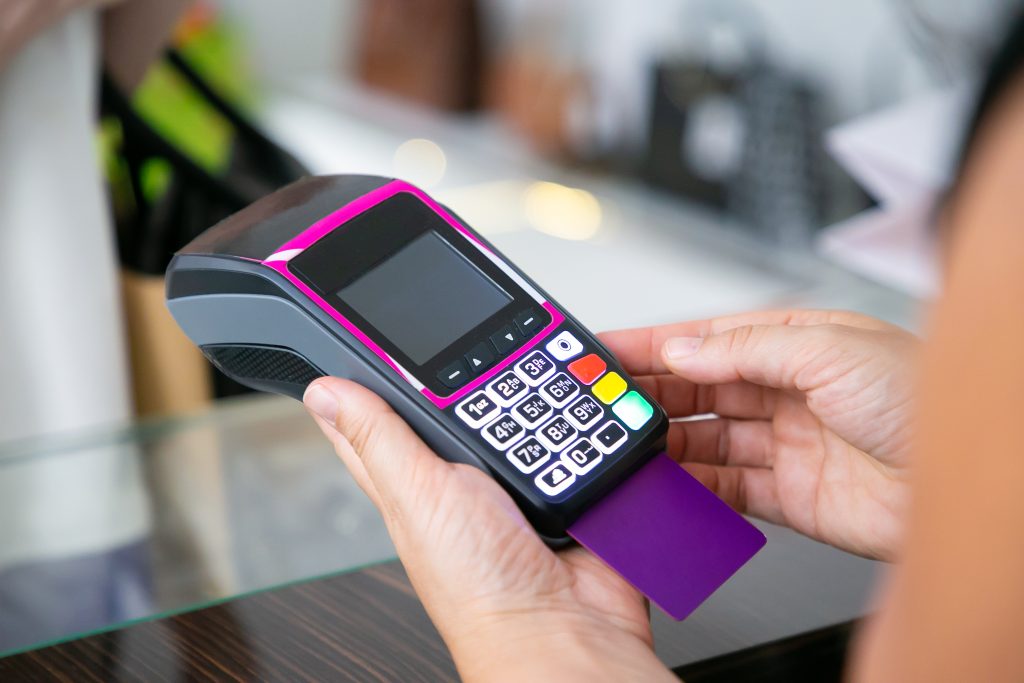
2. Mobile POS Systems
One of the other retail POS types includes Mobile POS (mPOS) running on smartphones or tablets. It connects wirelessly to accessories like card readers and receipt printers, allowing you to process sales anywhere.
For a deeper understanding of retail POS systems, check out 6 Key Retail POS System Features You Need to see which features can optimize your store operations and improve customer experience.
Best For
- Food trucks and pop-up shops
- Market vendors
- Service professionals (salons, home repair, etc.)
Key Features
- Compact and portable
- Cloud-based reporting
- Inventory sync with the central database
- Digital receipts via email or SMS
Advantages
- Lower setup costs
- Easy to use and carry
- Ideal for small and mobile businesses
Limitations
- Relies heavily on internet connectivity
- Limited advanced reporting compared to full terminals
3. Cloud-based POS Systems
A Cloud POS operates entirely online. Data is stored on remote servers, accessible anytime from any device. Updates happen in real time, ensuring business owners always have the latest information.
Best For
- Multi-location retailers
- Franchise businesses
- Restaurants with delivery services
Key Features
- Centralized data access across locations
- Real-time sales analytics
- Automatic software updates
- Multi-device synchronization
Advantages
- Access business data from anywhere
- Easy integration with eCommerce and accounting tools
- No need for manual backups
Limitations
- Internet-dependent
- Subscription costs can add up over time
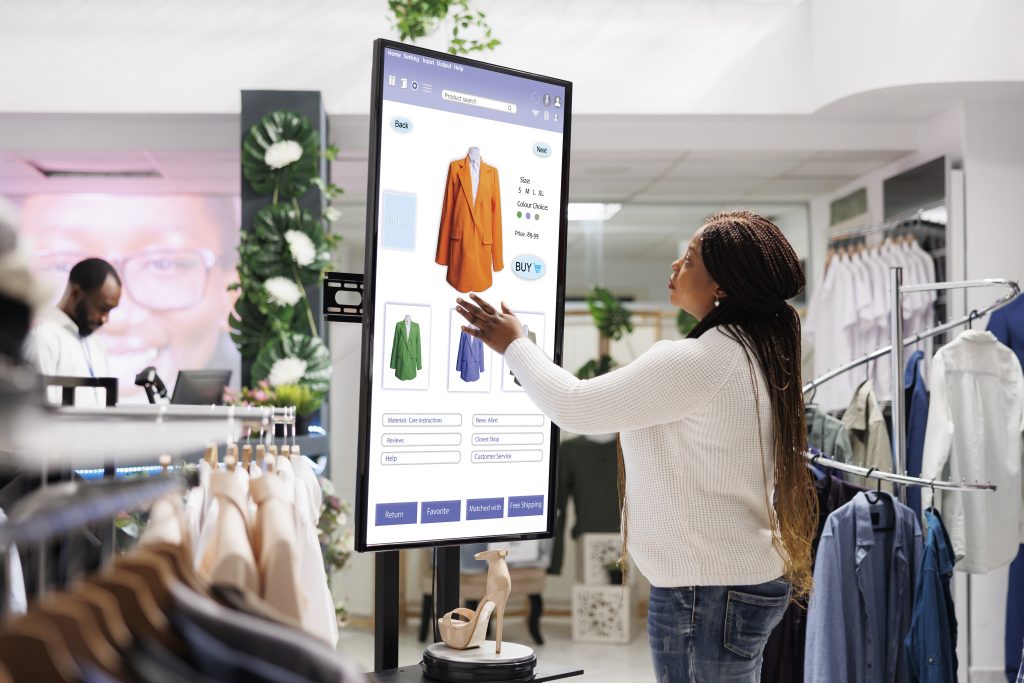
4. Self-service Kiosk POS Systems
Next on our list of retail POS types is the self-service kiosk POS, which allows customers to place orders or make payments themselves, reducing wait times and staff load. These are commonly seen in quick-service restaurants, cinemas, and retail checkout zones.
Best For
- Fast food restaurants
- Theatres and ticket counters
- Airports and retail chains
Key Features
- Interactive touchscreens
- Upselling prompts and menu displays
- Automated payment gateways
- Integration with kitchen or backend systems
Advantages
- Shorter queues and faster service
- Reduces labor costs
- Increases order accuracy
Limitations
- High initial investment
- Requires regular maintenance and software updates
The 4 Main Types of POS Systems
| Type of POS | Best For | Key Features | Pros | Cons |
| Terminal POS | Restaurants, retail chains | Fixed setup, inventory tools, offline mode | Reliable, powerful, integrates easily | High cost, limited mobility |
| Mobile POS (mPOS) | Small vendors, pop-up shops | Portable, cloud-based, digital receipts | Affordable, easy setup, flexible | Internet-dependent, limited advanced features |
| Cloud POS | Multi-store or franchise setups | Real-time analytics, central database, multi-device | Remote access, seamless updates, scalable | Monthly fees, needs stable internet |
| Self-Service Kiosk POS | QSRs, cinemas, airports | Interactive UI, automated payment, order management | Reduces queues, cuts labor, improves experience | High upfront cost, hardware upkeep required |
Common Mistakes to Avoid When Choosing a POS
There are a few common mistakes that you must avoid while choosing a POS system. Below is a list.
Overbuying Features You Don’t Need
Paying for advanced tools that don’t match your business size can hurt ROI.
Ignoring Integration
Ensure your POS connects seamlessly with your inventory, CRM, and accounting software.
Skipping Staff Training
A great POS is useless if your team doesn’t know how to operate it efficiently.
| Business Type | Recommended POS | Budget Level | Mobility | Scalability | Offline Mode |
| Small Vendors | Mobile POS | Low | High | Medium | No |
| Retail Chains | Terminal POS | Medium-High | Low | High | Yes |
| Multi-Location | Cloud POS | Medium | High | Very High | No |
| Fast-Service Stores | Self-Service Kiosk POS | High | Low | High | Limited |
Why POS Circle Is the Smart Choice
At POS Circle, we provide modern POS solutions tailored to your business type. Whether you need a retail POS, restaurant POS, or mobile POS, we deliver systems that improve efficiency and profitability, while highlighting the key features to look for in a POS system to ensure it meets your business needs.
✔ Expert consultation
✔ Custom POS solutions
✔ Business-focused technology
✔ Ongoing support
Final Thoughts: Invest in the Right POS System
Your POS system is more than a payment tool, it’s your business engine.
Choosing the right POS system will help you:
- Serve customers better
- Track sales accurately
- Control inventory
- Scale with confidence
Ready to upgrade your POS system?
Visit POSCircle.com today and get expert advice on the perfect POS solution for your business.
Frequently Asked Questions
1. Which type of POS system is best for small businesses?
Mobile POS systems are ideal for small businesses. They’re affordable, easy to set up, and let you process sales anywhere using a smartphone or tablet.
2. What is the main difference between Cloud POS and Terminal POS?
A Cloud POS stores data online for remote access, while a Terminal POS runs locally at a fixed counter. Cloud systems are more flexible and scalable.
3. Can POS systems work without an internet connection?
Yes, Terminal POS systems usually support offline mode, allowing transactions even without the internet.
4. Do self-service kiosk POS systems need staff supervision?
They require higher upfront costs but reduce long-term labor expenses.
5. How often should I upgrade my POS system?
Every 3–5 years, or when your business outgrows your system.
6. What Hardware Is Included in a POS System?
A POS system usually includes essential hardware like a touchscreen monitor, barcode scanner, receipt printer, cash drawer, and card reader. Some setups also include customer-facing displays, kitchen printers, and handheld devices for tableside ordering.
7. Is a POS System Necessary for Every Business?
While not legally required, a POS system is highly recommended for most businesses. It helps automate sales, track inventory, manage customers, and generate reports, making operations faster and more accurate.
8. Can a POS System Integrate with Accounting Software?
Yes. Most modern POS systems integrate seamlessly with accounting tools like QuickBooks, Xero, and other financial platforms. This automation reduces manual bookkeeping and improves financial accuracy.
9. What Payment Methods Should a Modern POS System Support?
A good POS system should support multiple payment methods, including credit and debit cards, contactless payments, mobile wallets (Apple Pay, Google Pay), cash, and online payments for maximum customer convenience.
10. How Secure Are POS Systems?
Modern POS systems use advanced security features like encryption, tokenization, and PCI-DSS compliance to protect customer data and prevent fraud.