Walk into almost any shop, restaurant, or service business today, and you’ll see one. A screen, a card reader, maybe a receipt printer sitting nearby. That setup is a POS terminal, and for most businesses, it’s the beating heart of every transaction that happens in a day.
But what exactly is a POS terminal, how does it work, and what should you look for when choosing one? This guide answers all of that in plain language, without the technical jargon.
What is a POS Terminal?
A POS terminal, short for point of sale terminal, is the hardware and software combination that processes customer payments at the moment of purchase. It’s where a transaction actually happens, where a customer hands over payment and a business completes a sale.
In its simplest form, a POS terminal is a card reader connected to a screen and a payment processing network. In its more complete form, it’s a full system that handles payments, tracks inventory, manages staff, generates sales reports, and connects to accounting software.
The term point of sale terminal is sometimes used to describe just the payment hardware. More often, it refers to the entire system that makes a transaction possible from start to finish. This is one reason why many retailers are now exploring Why a Desktop POS Terminal is the Best Choice for Canadian Businesses, as these systems offer reliable performance, secure payment processing, and efficient business management in one complete solution.
How Does a POS Terminal Work?
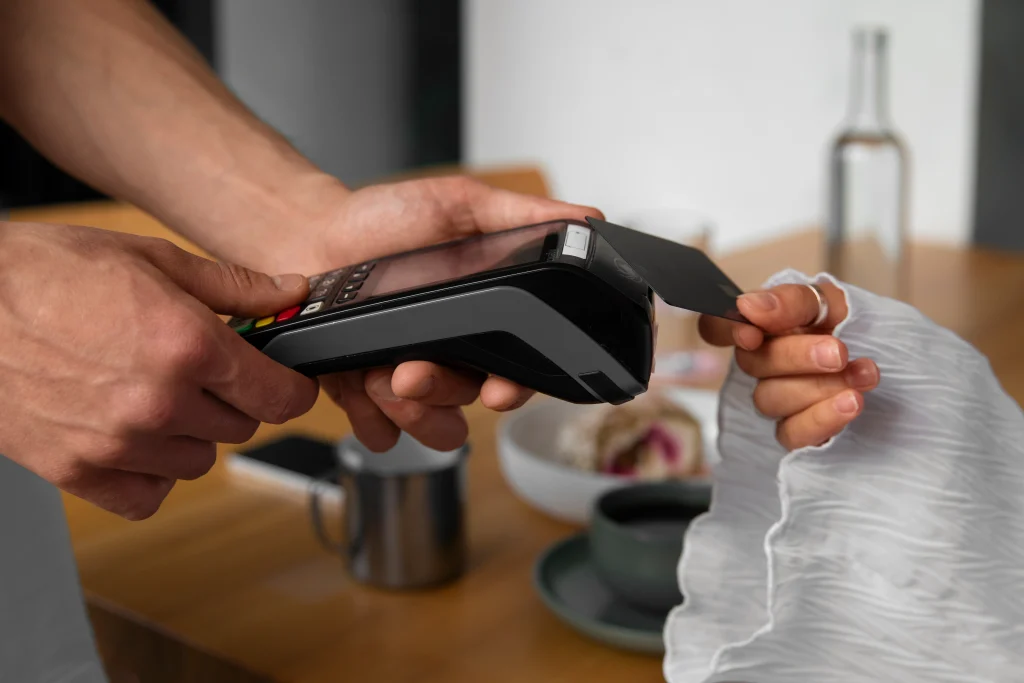
The process looks simple from a customer’s perspective. They tap a card, the payment goes through, and they walk away with their purchase. Behind that moment, several things happen quickly.
• The customer presents a payment, card, phone, or contactless device
• The terminal reads the payment information securely
• The terminal sends an authorization request to the payment processor
• The payment processor contacts the customer’s bank for approval
• The bank approves or declines and sends a response back
• The terminal receives the response and completes or declines the transaction
• A receipt is generated digitally or printed
The entire process typically takes a few seconds. The speed and reliability of that process depend heavily on the quality of the terminal and the payment processor behind it.
Main Components of a POS Terminal
The Display Screen
Modern POS terminals use touchscreen displays that show transaction details, product selections, and prompts for both the operator and the customer. Many setups include a second customer-facing screen so buyers can view their order total and confirm payment. Understanding these systems is important when exploring What Are the 4 Types of POS Systems? A Complete Guide for Modern Businesses, as different POS solutions offer unique features for retail stores, restaurants, mobile businesses, and online operations.
The Card Reader
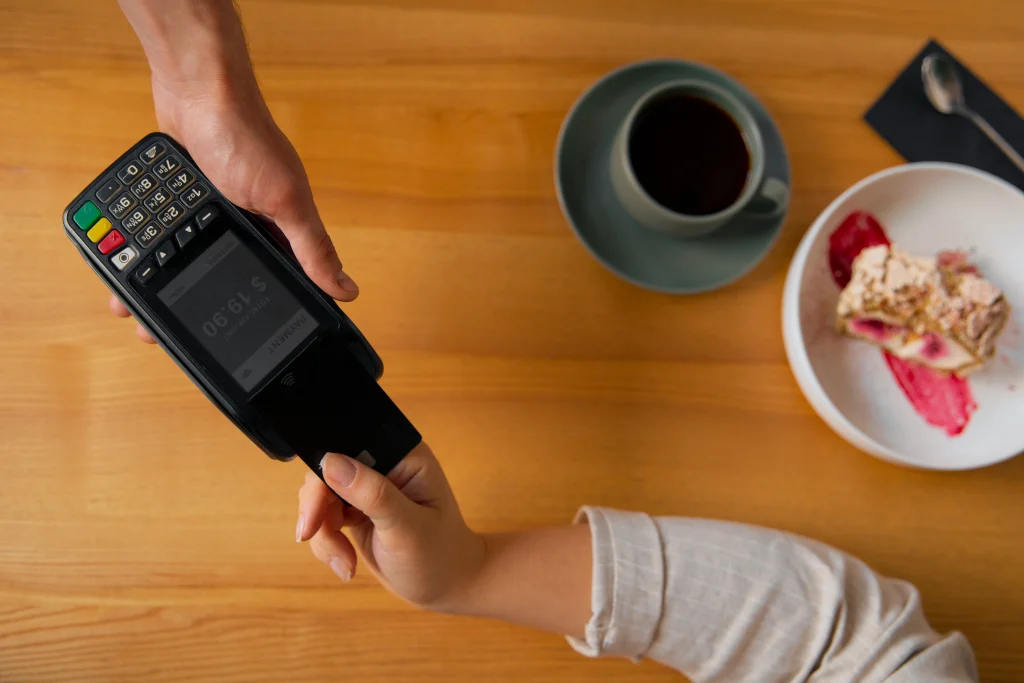
The card reader is what captures payment information. Most modern terminals support three reading methods:
| Reading Method | How it Works | Card Type |
| Chip (EMV) | Card inserted, chip is read electronically | Credit and debit cards with chips |
| Magnetic stripe | Card swiped through a slot | Older cards without chips |
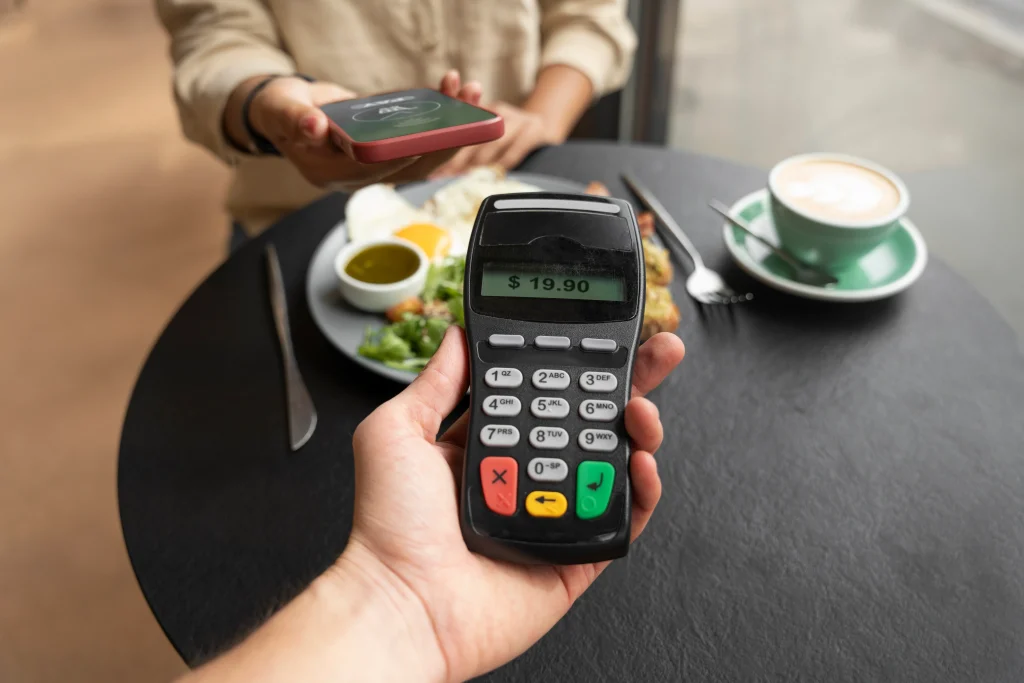
| Contactless (NFC) | Card or phone tapped near the reader | Tap cards and mobile wallets |
The Receipt Printer
Most fixed Point of Sale terminals connect to a thermal receipt printer. Some terminals handle receipts entirely digitally by sending them via email or SMS, which reduces paper use and speeds up checkout.
The Cash Drawer
For businesses that handle cash alongside card payments, a cash drawer connects to the terminal and opens automatically when a cash transaction is processed. It’s a standard component in retail and food service environments.
The POS Software
The software is what makes the hardware useful. Good POS software manages the full transaction, connects to inventory, tracks sales data, handles discounts and taxes, and generates the reports that help a business understand how it’s performing.
Types of POS Terminals
| Terminal Type | Description | Best For |
| Fixed countertop terminal | Stationary setup at a checkout point | Retail stores, restaurants, pharmacies |
| Mobile POS terminal | Tablet or smartphone with a card reader attachment | Food trucks, markets, pop-up shops |
| Wireless handheld terminal | A portable device that connects via WiFi or cellular | Table-side ordering, delivery services |
| Self-service kiosk | Customer-operated terminal for independent checkout | Fast food, ticketing, retail |
| Integrated POS system | Full system with screen, printer, and drawer combined | Established retail and hospitality businesses |
POS Terminal v. POS System: What’s the Difference?
The two terms are often used interchangeably, but they refer to slightly different things.
| Term | What It Refers To |
| POS terminal | The physical hardware that processes the payment, the device itself |
| POS system | The complete setup, including hardware, software, and all connected components |
Think of the terminal as the handset and the POS system as the entire phone network behind it. The terminal takes the payment, while the system manages everything happening behind the scenes, including inventory, reporting, and customer data. That’s why many businesses today rely on Top Mobile POS Payment Solutions for Businesses to streamline operations, improve flexibility, and deliver faster customer service.
What to Look for in a POS Terminal
Not every terminal is built the same. The right one depends on your business type, transaction volume, and what you need the system to do beyond processing payments.
Payment Method Support
Your Point of Sale terminal should accept chip, swipe, and contactless payments at a minimum. Mobile wallets like Apple Pay and Google Pay are now common enough that a terminal without NFC capability is already behind the curve.
Speed and Reliability
A terminal that takes too long to process or goes offline during peak hours creates queues and customer frustration. Look for terminals with strong connectivity options, including both Ethernet and WiFi, with cellular backup where possible.
Security Standards
PCI-DSS compliance is non-negotiable. Any terminal your business uses should meet current payment card industry security standards to protect both your customers and your business from fraud liability.
Software Integration
A terminal that only processes payments but doesn’t connect to your inventory, accounting software, or reporting tools creates manual work. The best terminals integrate seamlessly with the software your business already uses.
Durability and Form Factor
A restaurant kitchen environment is very different from a boutique retail counter. Choose a terminal built for the physical demands of your specific setting. Some are designed for heavy use, heat exposure, and frequent handling. Others are better suited to light-duty retail environments.
POS Terminal Costs: What to Expect
| Cost Type | Typical Range |
| Basic mobile card reader | $20 to $100 |
| Countertop terminal hardware | $200 to $800 |
| Fully integrated POS system | $800 to $3,000+ |
| Software subscription | $30 to $200+ per month |
| Payment processing fees | 1.5% to 3.5% per transaction, typically |
The hardware cost is usually a one-time investment. The ongoing costs are the software subscription and the payment processing fees charged per transaction. Understanding the total cost of ownership, not just the upfront price, is important when comparing terminal options.
Final Thoughts
A POS terminal is more than a payment device. For most businesses, it’s the central point where customer experience, operational efficiency, and revenue all come together. Choosing the right one matters because the wrong one slows down your team, frustrates customers, and creates administrative work that a better system would handle automatically.
The best terminal for your business is the one that fits your environment, connects to the tools you already use, and handles the payment methods your customers actually prefer. Getting that decision right from the start saves a lot of headaches later.
If you’re evaluating POS terminals for your business, POS Circle carries a range of options built for different industries and business sizes. Reach out, and we’ll help you find the right fit.
FAQs
1. What is a POS terminal used for?
A POS terminal is used to process customer payments at the point of sale. Depending on the system, it can also track inventory, manage staff, generate sales reports, handle discounts, and integrate with accounting software.
2. What is the difference between a POS terminal and a cash register?
A traditional cash register only handles cash transactions and basic sales recording. A POS terminal processes multiple payment types, including cards and mobile wallets, connects to software systems, and provides detailed reporting and inventory management capabilities.
3. Do POS terminals work without the internet?
Most modern POS terminals require an internet connection to process card payments in real time. Some systems offer an offline mode that stores transactions locally and syncs when connectivity is restored. Cash transactions can typically be recorded offline without issue.
4. What payment methods does a POS terminal accept?
A modern POS terminal typically accepts chip cards, magnetic stripe cards, contactless tap payments, and mobile wallets like Apple Pay and Google Pay. Some terminals also support QR code payments and gift cards, depending on the software configuration.
5. How much does a POS terminal cost?
Hardware costs range from around $20 for a basic mobile card reader to $3,000 or more for a full integrated system. Ongoing costs include software subscriptions and payment processing fees per transaction. The total cost depends on the type of terminal and the payment processor you use.